Quick answer
Choose a USB-C power bank by the charging requirements of the devices you actually use, not by the largest wattage on the box. A 20W model can be a practical phone-focused option when its output profiles match the phone. A 45W model deserves consideration for compatible tablets and some lower-power laptops. A 65W model offers more headroom for compatible USB-C laptops, but it will not charge every computer at full speed.
The complete charging path matters: the power bank’s output port, supported voltage and current, charging protocol, cable, receiving device and operating conditions. Maximum wired output is also separate from wireless output, battery capacity and the power bank’s own recharge input. This guide explains how to turn those distinctions into a useful purchase decision.
Introduction
You can find two power banks with the same capacity but very different charging capabilities. You can also find a higher-wattage model that provides no noticeable advantage for your particular phone. Neither situation is necessarily a fault: stored energy and supported charging power answer different questions.
For everyday users, the goal is straightforward charging without unnecessary bulk or incompatible accessories. For retail brands and procurement teams, the challenge includes choosing a defensible product description, bundling the correct cable and reducing avoidable compatibility questions. The following framework applies to both. It is a selection and verification method, not a report of laboratory testing performed by ZONNGOO.
1. Read watts, watt-hours and ports separately
Watts describe power: how quickly energy can be transferred at a particular operating point. Watt-hours describe energy: the reserve available before conversion losses and the receiving device’s consumption are considered. A 65W label does not mean 65Wh, and a larger mAh number does not establish faster charging.
Read the output table rather than relying on the product name. For illustration, 15V at 3A equals 45W, while 20V at 3.25A equals 65W. These are arithmetic examples, not promises that every product in those power classes supports those exact profiles. Look for the selected model’s actual list of voltages, currents and supported modes.
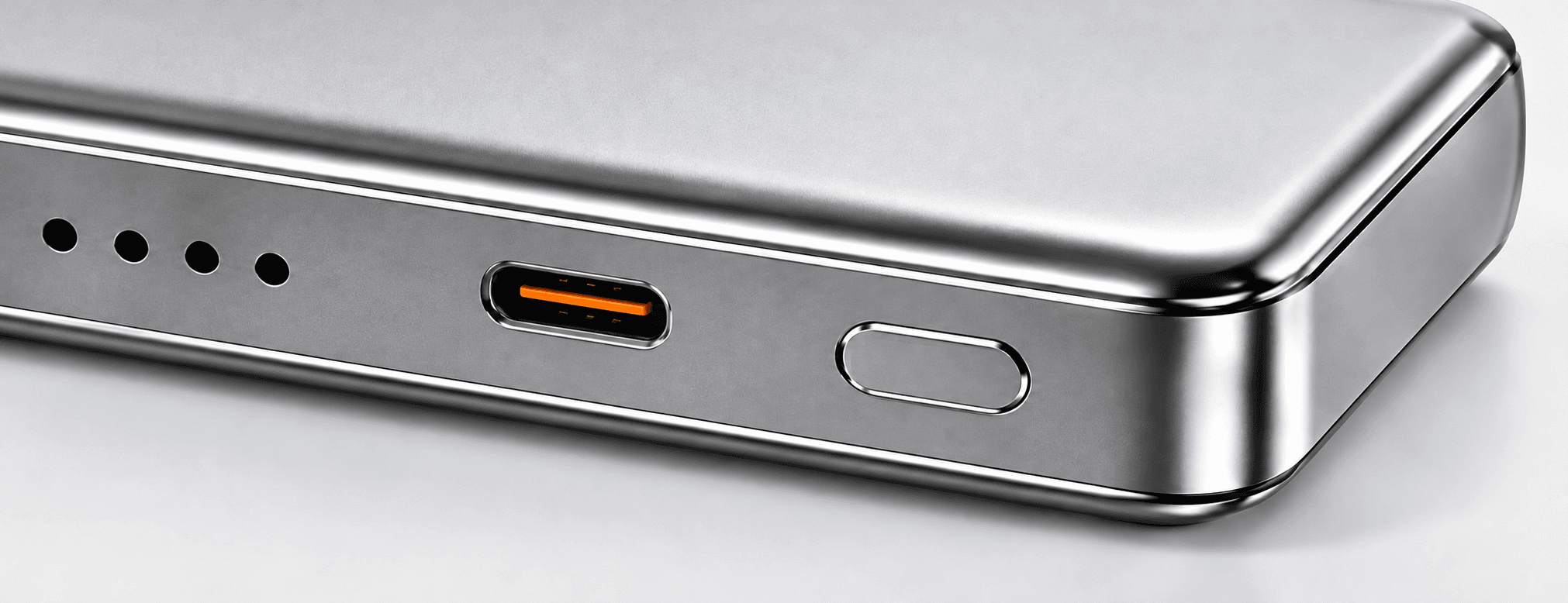
Next, identify which connector the specification describes. A USB-A output, a detachable USB-C port and a built-in cable may have different limits. Input is another separate specification: it describes recharging the power bank, not powering your phone. Keep these values in different columns when comparing products.
2. What a 20W power bank is suited to
A 20W USB-C model is a sensible starting point when your primary task is charging a compatible phone. It may also cover lower-power accessories, subject to the supported modes and the accessory’s requirements. Do not interpret this as a universal charging-speed claim for every handset.
Apple’s iPhone power-adapter guidance ties fast-charging requirements to particular devices and suitable adapters. That is a useful reminder to consult the device maker’s instructions. It does not certify a third-party power bank or guarantee Apple’s stated results with another product.
Choose a phone-focused product when you value its actual size, handling, connections and delivered energy. Paying for 65W does not make a phone accept 65W if the phone’s charging system does not support it. If the phone uses a specific charging protocol, confirm that protocol as well as the headline wattage.
3. Where a 45W model can make sense
Consider the 45W class when you need a broader device mix: a phone plus a compatible tablet, handheld device or lower-power USB-C computer. Start with the receiving device’s specifications. Some devices can use this level effectively; others require a different profile or more input power for their intended workload.
A laptop may display a charging indicator while receiving less power than it consumes during demanding work. In that situation, its battery could still discharge, only more slowly. Charging while the computer is asleep is a different use case from supporting video editing or other sustained work. Define which outcome you actually need.
For a retail range, a 45W option should have a clear role between phone-only convenience and higher-power laptop support. Describe compatible applications accurately, rather than calling it a universal laptop charger. Ask for the supported output profiles and evaluate representative devices before choosing your sales wording.
4. What 65W adds—and what it does not
A 65W power bank is worth evaluating when compatible USB-C laptops are a real requirement. The extra available output can provide useful headroom compared with a lower-power source, provided the laptop, cable and negotiated profile support the intended connection. The printed number alone is not a compatibility list.
Some laptops use higher-power adapters or proprietary charging arrangements. Others accept USB-C charging only through particular ports. Check the computer manufacturer’s input requirements and any warnings about lower-power sources. A 65W power bank should not be represented as a replacement for every original laptop adapter.
Higher power also does not create more stored energy. A compact high-output model may exhaust its reserve sooner under a demanding load than expected from casual phone use. Compare declared watt-hours, usable energy evidence and the intended workload separately. For capacity selection, see our 5,000mAh versus 10,000mAh guide.
5. Compare the three classes using your device list
The table below is a starting framework, not a guarantee for individual products. Replace the general applications with exact device models and approved charging combinations before you buy or publish a compatibility claim.
| Power class | Useful starting application | Essential verification | Common mistake |
|---|---|---|---|
| 20W | Compatible phones and everyday top-ups | Required protocol, output profiles and cable | Assuming all phones charge at the maximum |
| 45W | Compatible tablets and selected lower-power computers | Device input requirements and workload | Treating a charging icon as proof of sustained support |
| 65W | Compatible USB-C laptops and mixed-device use | Correct port, voltage/current profile and cable rating | Calling every laptop compatible |
Write down three things for each device: what the manufacturer recommends, what you need during real use and which accessories complete the connection. This short list is more useful than comparing isolated wattage badges. It also helps explain why two customers may reasonably choose different products.
6. The cable is part of the specification
Use a cable rated for the intended power and appropriate to the charging system. A USB-C-shaped connector does not establish the cable’s capabilities. USB-IF’s cable and connector guidance explains that cable capabilities differ and that cable certification does not increase the capabilities of connected products.
USB-IF’s current compliance guidance uses 60W or 240W power markings for certified USB-C-to-USB-C cable categories. In particular, do not assume a 60W-rated cable supports a 65W connection. Check the cable’s declared rating and the receiving device’s requirements; do not apply a certification logo to an unverified accessory.
For built-in cables, request the limit of each integrated connection instead of transferring the detachable port’s specification to the cable. For private-label bundles, record the exact cable part number and length in the approved configuration. A later cable substitution should trigger another compatibility review, not an assumption that the bundle is unchanged.
7. Check single-port and shared output
The largest output may apply to one port used alone. Connecting a second device can change the available power allocation. Ask for the simultaneous-output table, including which port combinations were specified and whether reconnecting a device changes the allocation.
Imagine a hypothetical product with a 65W single-port maximum but a lower limit on that same port when two devices are connected. A shopper expecting 65W for a laptop plus unrestricted phone charging would misunderstand the product. The solution is an accurate operating table, not a more prominent “65W” badge.
During sample evaluation, connect the actual combinations you expect: laptop only, phone only and both together if supported. Record charging behavior before and after connecting the second device. Do not invent a shared-output figure if the current specification does not provide one; ask the supplier to clarify the approved configuration.
8. Input power affects your recharge routine
Output power describes delivery to a device. Input power describes how the power bank itself recharges. They do not have to match. A higher-output product may still need a different adapter or input profile to achieve its best supported recharge performance.
Compare the required wall adapter, the included accessories and your normal charging window. A user who recharges overnight has different priorities from someone replenishing a power bank between meetings. Avoid calculating an exact full-recharge time by dividing capacity by a maximum power rating; charging is not necessarily maintained at that maximum throughout the cycle.
Also check whether simultaneous charging and recharging is supported. Do not assume pass-through behavior, uninterrupted power delivery or suitability as an uninterruptible power supply. If the use case depends on any of those functions, obtain explicit documentation and a relevant sample evaluation plan.
9. Wired, magnetic and wireless specifications are different
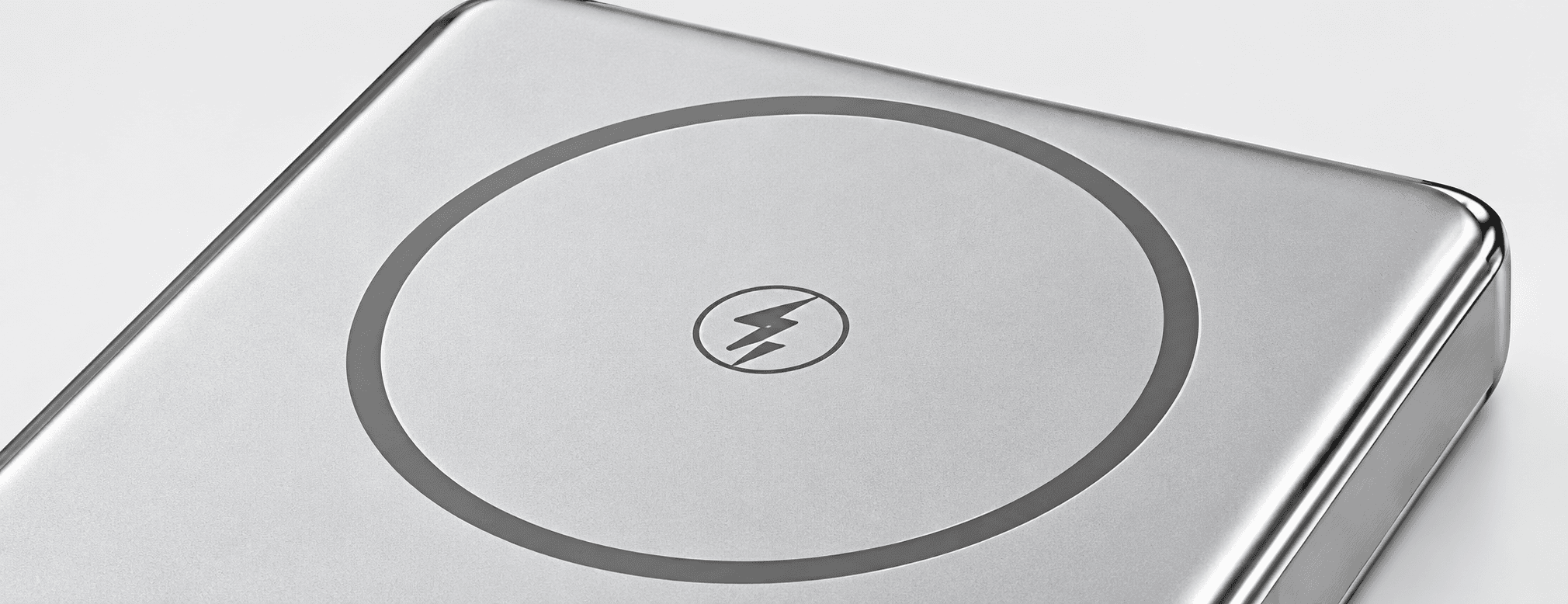
A product can have separate wired and wireless limits. A 20W wired figure must not be presented as 20W wireless output. Magnetic attachment describes how the product aligns or holds to a compatible surface; it does not, by itself, establish a certified charging standard or universal phone compatibility.
The Wireless Power Consortium product database is the appropriate place to check a claimed Qi certification for the exact product. Confirm the model identity rather than accepting a logo or a certificate belonging to a different configuration. Certification language on your packaging should match verifiable evidence.
For shoppers, compare the phone, case and charging method you plan to use. For brands, keep wired and wireless specifications in separate artwork fields. If a model is sold in different battery or charging variants, keep the variant name visible in product data, packaging approval and the order reference.
10. A practical sample and shipment checklist
Before approving a product, create a short acceptance brief. This turns “fast charging” from a vague expectation into questions that can be answered. It is a recommended preparation process; it does not imply that any particular tests have already been completed on your order.
- List exact receiving devices, relevant ports, software state and intended workloads.
- Record each output profile and the specification for the chosen cable or built-in connection.
- Separate single-port, shared-output, wireless and recharge-input claims.
- Agree which charging observations and measurements will be recorded, using suitable equipment and trained personnel.
- Review enclosure condition, connector fit, labels, instructions and packaged accessories.
- Keep the approved sample configuration and define how any component changes are reviewed.
For shipment inspection, compare the agreed order configuration with the sample approval, carton labels and included cable. A short charging demonstration is not a substitute for applicable safety documentation or a complete compliance assessment. Discuss the exact model and destination requirements with qualified parties where necessary.
If you are sourcing for your brand, our private-label purchasing checklist explains how specifications, samples, branding and delivery requirements fit together. It complements this power-selection guide rather than replacing device-level compatibility checks.
11. Explore ZONNGOO configurations without mixing variants
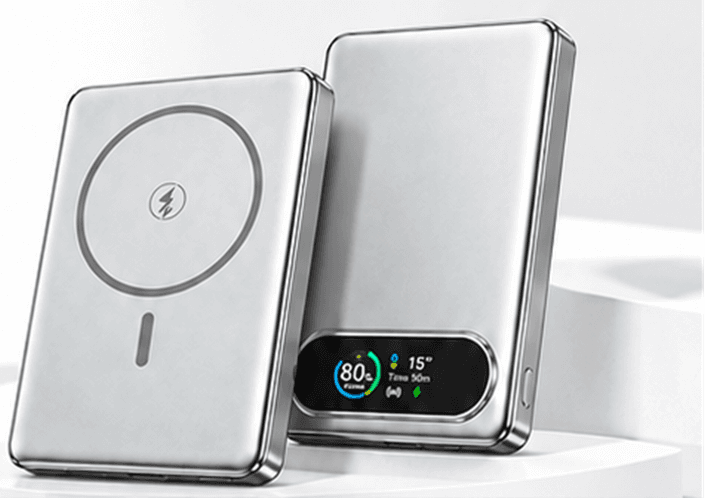
The current website includes separate pages for the all-solid-state 10MC25-45W and 20MC25-65W, alongside the WiMag 10MC9. Use those model pages as starting references, then request the current specification and available configuration for your market.
The model names and output classes are not evidence of compatibility with a particular laptop. They also do not establish identical input ratings, combined-output behavior or wireless capabilities across the range. Review each product independently, especially where similar names appear in different battery series.
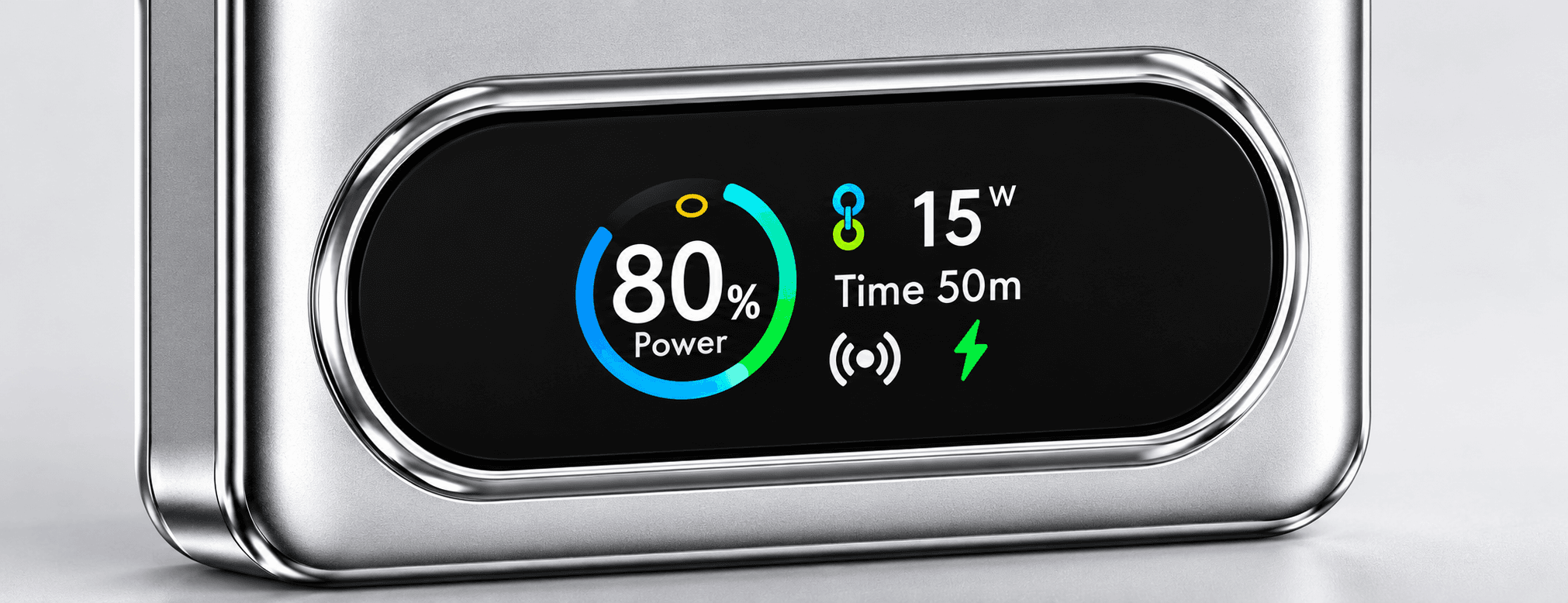
When contacting ZONNGOO, send the device list, preferred charging method, capacity priorities, quantity and any branding or packaging needs. This gives the discussion a concrete basis. Do not transfer a claim from one model to another simply because the enclosure or screen looks similar.
Frequently asked questions
Will a 65W power bank charge my phone faster than a 20W model?
Not necessarily. Your phone must support the relevant charging mode, and the power bank and cable must provide a compatible connection. Extra available power above what the phone accepts does not automatically reduce charging time.
Can a 45W power bank charge a laptop?
It can be suitable for some compatible laptops, but check the exact input requirements and intended workload. A charging indicator alone does not prove that the power bank can support the computer continuously during demanding use.
Is a 65W output the same as a 65W recharge input?
No. Output and input are separate specifications. Check the power bank’s supported recharge profiles and the adapter and cable needed for them. Do not infer the input limit from the headline output.
Does a USB-C port prove USB Power Delivery support?
No. Confirm the specified charging protocol and available output profiles. USB-IF’s Power Delivery overview explains the system’s flexible power capabilities; a connector’s appearance does not establish a particular implementation.
Can I charge two devices at each port’s maximum rating?
Only if the product’s simultaneous-output specification explicitly supports that combination. Request the allocation table and test your intended arrangement. Do not add independent single-port maximums to calculate a combined output.
What information should I send when requesting a recommendation?
Provide exact devices, charging methods, usage duration, preferred capacity, accessory requirements and quantity. For a branded order, add the destination market, artwork and packaging requirements. Clear inputs make model selection more useful than a general request for the “fastest” product.
Conclusion
The right choice is the lowest suitable power class that meets your actual device and usage requirements with an appropriate cable and clear operating limits. Compare 20W, 45W and 65W through complete charging combinations, not isolated marketing numbers. Confirm input, output, shared power, wireless behavior and stored energy independently.
For help comparing current ZONNGOO models, send your requirements or email info@zonngoopower.com. Include your device list and expected use so the discussion can focus on a specific, verifiable configuration.