Quick answer
A power bank with built-in cables is a good fit when its attached connectors match the devices you actually charge, its cable length suits your routine and its charging specifications are clear for each connection. It reduces the chance of forgetting a separate cable, but it does not automatically offer faster charging, greater usable capacity or easier repair. Choose the complete charging arrangement, not just the number of cables visible in a photograph.
Before buying, check five things: connector compatibility, input versus output roles, the rating of each attached cable, storage and strain relief, and what happens if a cable becomes damaged. For a brand placing a custom order, put these checks into the sample approval record and product instructions. This guide explains the practical trade-offs without assuming that every built-in cable design behaves the same way.
Introduction
Built-in cable power banks solve a familiar problem: a charged battery is available, but the right cable is somewhere else. Integrating the lead into the housing can make short trips, commuting and everyday phone charging simpler. The benefit is convenience, especially when a person repeatedly charges the same device and can store the cable neatly after use.
The trade-off is that the cable becomes part of the product. Its connector, reach, flexibility and storage method matter throughout ownership. A separate cable is often easier to swap when the device mix changes; an integrated cable may require a different service process. Neither design is universally better. The useful question is which one fits the intended customer and how clearly the limits are explained before purchase.
1. Start with the devices, not the cable count
Make a short device list before comparing products. Record the charging connector on each phone, tablet or accessory, whether the user normally keeps a case fitted, and where the power bank will sit during charging. Two attached cables are not automatically more useful than one: their value depends on whether both connectors serve real devices in that list.
USB-C and Lightning are different connector systems. A photo showing a connector is not enough to establish compatibility with every device using a similar-looking socket. Check the current model specification and the receiving device maker’s instructions. If the household or customer base mixes connectors, decide whether the integrated combination covers that mix or whether a separate cable remains necessary.
2. Compare integrated and detachable cable designs
Think about the whole carry routine. An attached cable can be quick to find and easier to keep with the battery. A detachable cable allows a different length or connector to be selected for each trip. A product with both attached cables and a separate output port may offer useful flexibility, but the port’s function and power limits still need confirmation.
| Decision point | Built-in cable | Separate cable |
|---|---|---|
| Packing | Lead stays with the battery when stored correctly | User must remember the right cable |
| Reach | Fixed by the product design | Different lengths can be selected |
| Device changes | Limited to the fitted connectors and any additional ports | A compatible cable can often be substituted |
| Cable damage | Service or replacement depends on the product design | The cable can usually be replaced separately |
This comparison describes practical differences, not a durability ranking. Materials, construction and use affect the result. Do not assume that an attached braided lead lasts longer than every detachable cable, or that a compact cable loop is designed to carry the product’s weight. Ask for the intended handling method rather than treating a visual feature as a tested claim.
3. Map every connection to its actual role
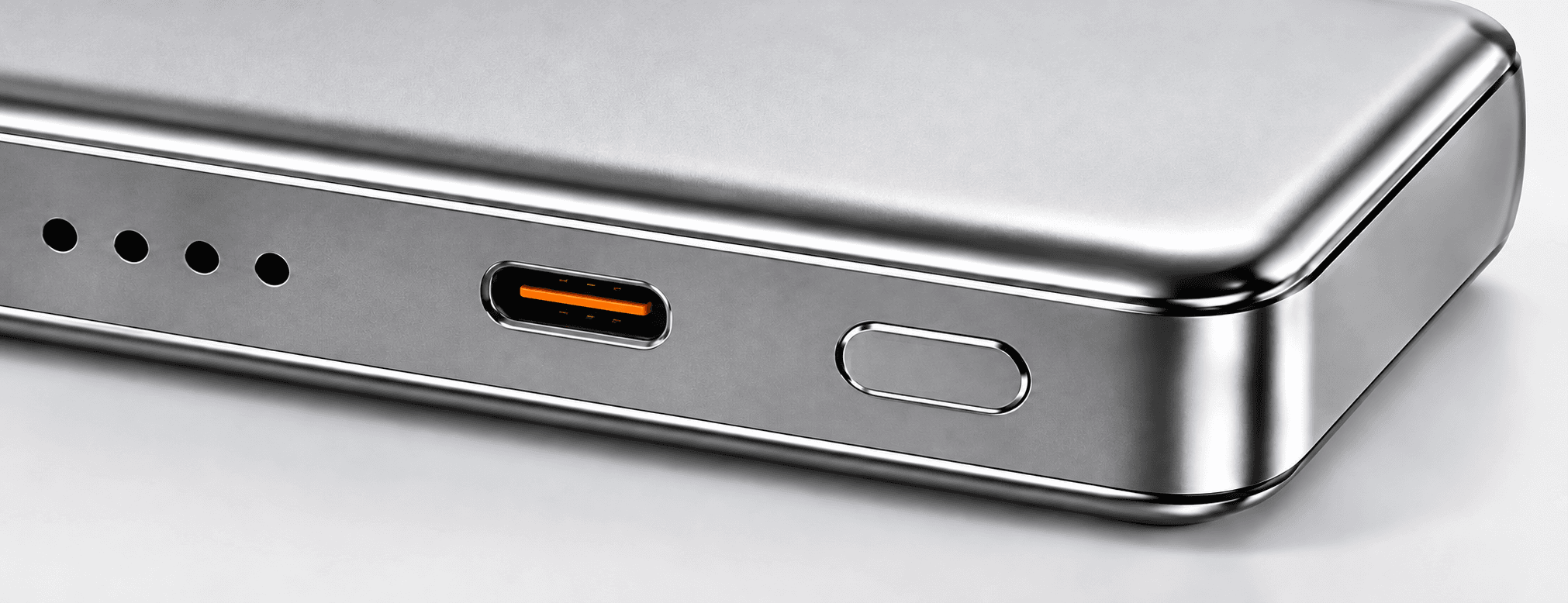
List each attached cable and each physical port separately. For each one, identify whether it charges a device, recharges the power bank or supports both roles. A cable that folds into the case may look like an output lead while also being listed for input; another may have only one supported direction. The connector shape alone does not answer that question.
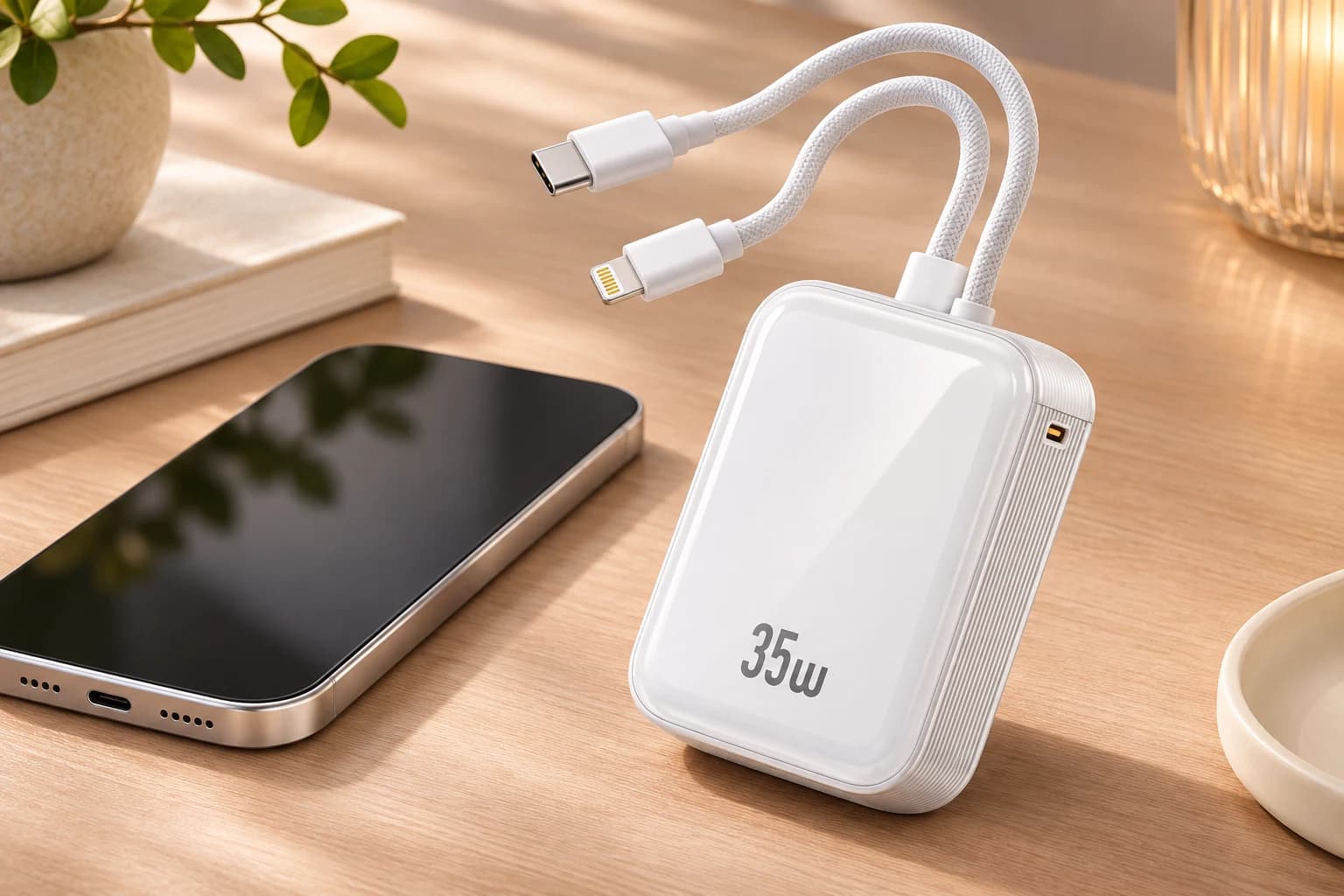
Separate maximum input from maximum output. If a listing says “35W,” establish which connection and operating condition that number describes. It does not necessarily mean that every cable delivers 35W or that the battery recharges at 35W. Use the manufacturer’s connection-specific profiles and resolve unclear assignments before ordering, especially where several outputs share similar names.
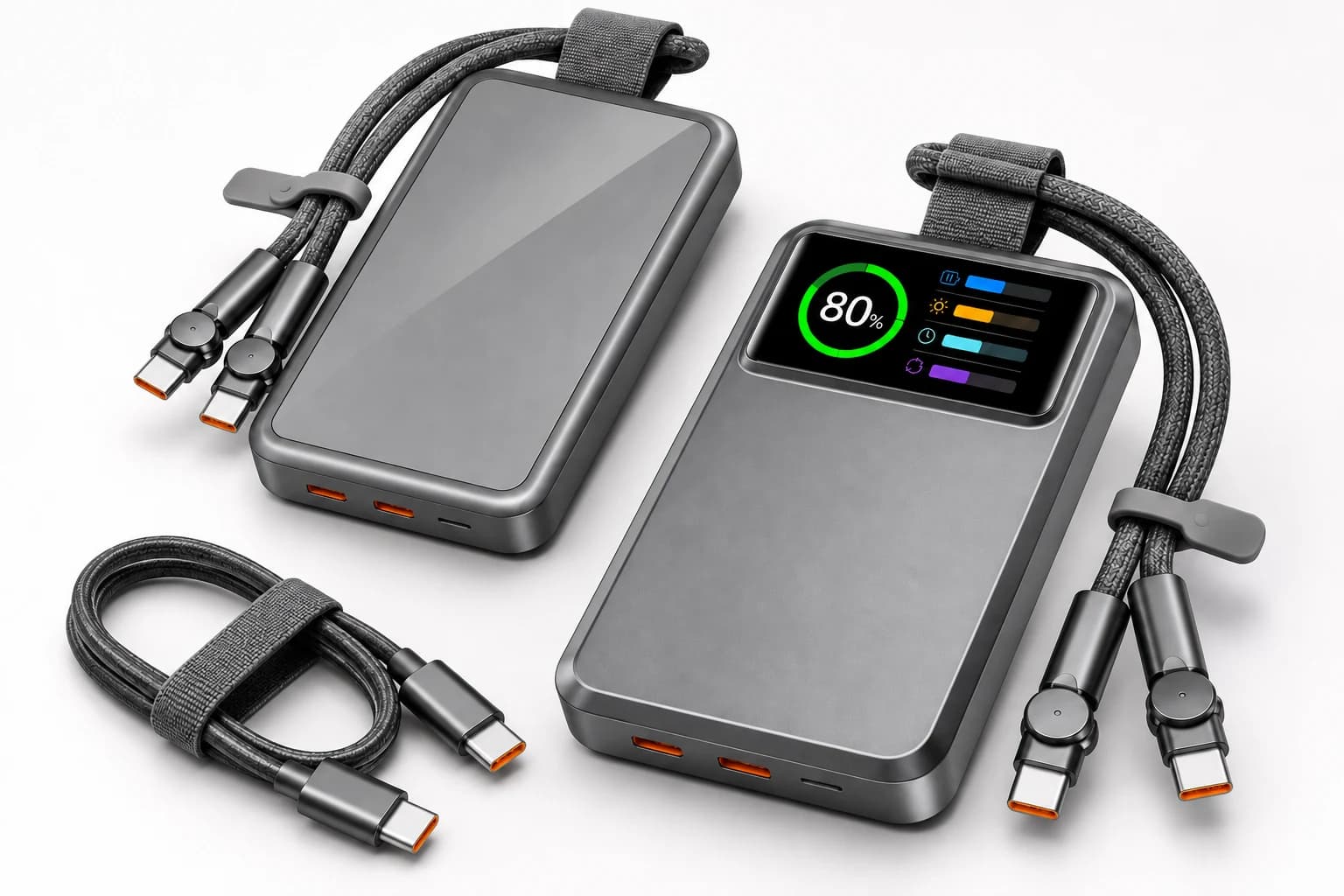
AI-generated connection-layout concept; confirm each cable and port rating in the current model specification.
4. Verify charging performance for each cable
Charging depends on the power bank, connection, receiving device and compatible protocol. A maximum advertised value is a ceiling under supported conditions, not a promise of the same speed on every phone. Ask which voltage and current profiles apply to each attached cable, and compare those with the devices on your list. Avoid using an unrelated port’s rating to describe an integrated lead.
The USB-IF cable and connector program distinguishes cable capability within its certification framework. Do not use a connector’s appearance as proof of a cable’s power rating or certification. For broader output selection, see our 20W, 45W and 65W buying guide. Here, the additional question is whether the fitted cable provides the required charging path.
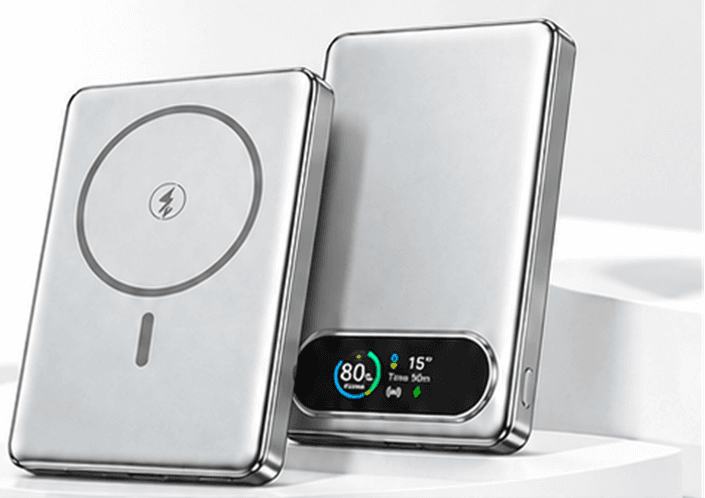
Keep charging capability separate from data capability. A lead intended for charging should not be promoted as supporting high-speed data, video or another function without specific evidence. Likewise, the presence of a wireless charging symbol on a different product does not add wireless charging to a cable-only model. Describe the selected configuration rather than borrowing features across a product family.
5. Check reach, case clearance and placement
Try the intended phone with its normal protective case. Confirm that the connector housing can seat fully without interference and that the power bank can rest on a stable surface without pulling sideways on the phone’s port. A short cable can be convenient on a desk but awkward if the battery and phone need to occupy different pockets.
Evaluate common situations: holding the phone for a call, placing both items on a small table, and returning the cable to storage after charging. Do not force a connector around a case opening or stretch the lead beyond its intended reach. If the required layout needs a longer cable, a confirmed compatible separate output port may be more suitable than changing how the attached lead is handled.
6. Look closely at storage and strain relief
Check where the cable bends near the housing and connector, how it sits in its channel, and whether the plug is protected during normal carrying. The cable should return to its intended storage position without being crushed by the product or sharply folded in an improvised direction. Inspect how the cable emerges from the housing, not only the decorative surface of the lead.
Ask whether a loop is explicitly intended as a carrying strap. An attached cable is not automatically a lanyard, even if it looks convenient to hold. For sample approval, agree the relevant handling checks and any documented mechanical test conditions with the supplier. Do not invent a bend-cycle number or repeat a durability claim without the test method and applicable product evidence.
7. Understand charging more than one device
Multiple connectors do not establish simultaneous maximum output. Ask whether using a second connection changes the voltage, total available power or allocation between devices. Some products have a separate combined-output limit; the current model document should explain it. Adding the individual cable ratings together can produce a number that the product does not support.
If charging several devices is important, include that exact arrangement in the sample review. Record the devices, active connections and observed behavior. Also ask whether recharging the power bank while it powers another device is supported. Do not assume pass-through operation from the existence of an input and an output, and do not describe it as supported until the selected configuration confirms it.
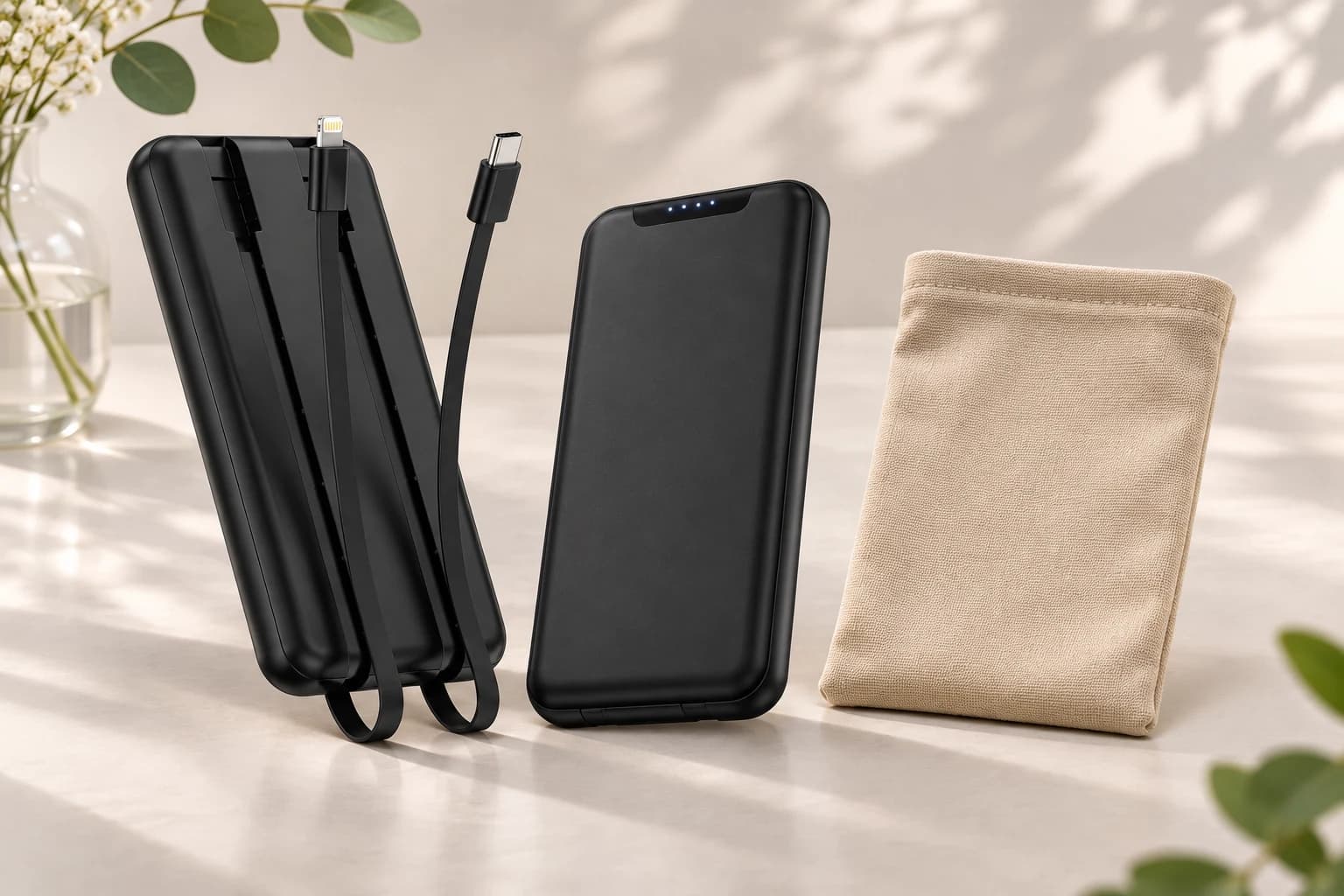
AI-generated cable-storage concept based on a supplied product reference; not a durability test or proof of carrying-strap suitability.
8. Plan for wear, damage and after-sales support
Before buying, find out what support is available if an integrated lead fails. Ask whether the cable is user-replaceable, requires authorized service or is part of the complete unit. If a separate port remains usable, confirm its supported function rather than assuming it is an equivalent substitute for every damaged attached cable.
Apple’s charging troubleshooting guidance includes checking cables and adapters for damage. Do not continue using a visibly damaged charging lead simply because it still makes an intermittent connection. Follow the device and accessory instructions and contact the appropriate support channel. A purchase decision should include the service route and warranty terms, not only the initial charging specification.
9. Read the model and battery-series reference carefully
ZONNGOO lists a lithium-polymer 10C6 with built-in cables and a separate semi-solid-state 10C6. The shared model name does not make the battery-series variants interchangeable. Use the full product-page reference when requesting a quote, sample or supporting document, and confirm the currently available configuration.
The lithium-polymer page lists a 10,000mAh cell capacity and up to 35W USB-C output, with connector assignments and some charging details requiring confirmation. These are model-specific listings, not a guarantee for every attached lead or device combination. A battery-series name also does not establish cable durability, faster charging or absolute safety. Keep each claim connected to its own evidence.
10. Use a repeatable sample approval checklist
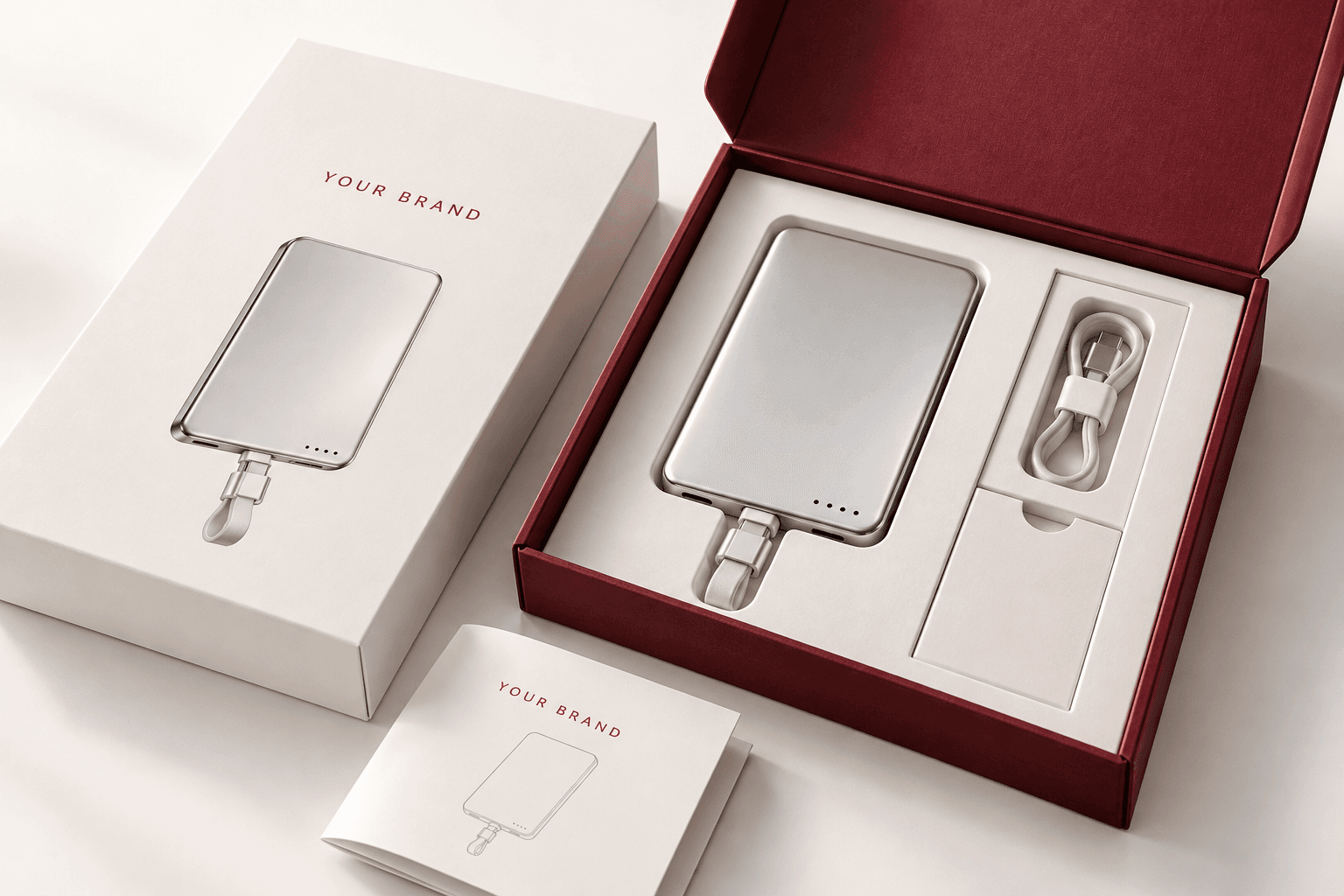
For a retail or private-label project, review connector identification, case clearance, cable reach, storage, charging roles and the supported device combinations. Check the sample against the current specification rather than a presentation image. If several people review it, use the same configuration reference and note any unresolved points instead of collecting conflicting informal approvals.
Record the sample revision, devices used, included accessories and acceptance criteria. Photograph the cable arrangement and explain any difference from the proposed production unit. Where an assessment requires specialist equipment or formal testing, agree the scope and responsible party in advance. A brief hands-on check can reveal usability issues, but it does not replace documented electrical or mechanical testing.
11. Prepare a focused inquiry
Send the target devices, preferred connector combination, battery-series reference, expected quantity and normal charging scenario. Explain whether one-device charging or simultaneous use matters, and whether a separate backup output is required. Include case dimensions or a representative case when connector clearance could be a concern. This helps the supplier identify the questions that need a physical sample.
Use sample confirmation to agree what will be checked. For branding or product changes, discuss the ODM/OEM scope rather than assuming every cable arrangement can be customized. Ask ZONNGOO at info@zonngoopower.com to confirm availability, pricing, minimum quantities, lead times and relevant documentation for the exact configuration before committing to an order.
Frequently asked questions
Are built-in cable power banks faster than ordinary power banks?
Not automatically. Speed depends on the supported output profiles, cable path, receiving device and operating conditions. Integrating the cable mainly changes convenience and storage, not the fundamental requirements for compatible charging.
Can every attached cable recharge the power bank?
No. Input and output roles depend on the design. Check each lead and port in the current specification and confirm unclear assignments before use or purchase.
Can I use an attached cable as a carrying strap?
Only when the product instructions explicitly support that use. A cable loop is not proof that the lead or connector is designed to carry the unit’s weight.
What if the integrated cable breaks?
Follow the supplier’s service process and stop using damaged parts. Ask before purchase whether the cable is replaceable and whether any independent port provides a confirmed alternative connection.
Do two cables mean full-speed charging for two devices?
No. Check the combined-output limit and power allocation. Review the actual device combination during sample approval rather than adding two individual maximum ratings.
What should a brand specify before ordering?
Specify devices, connectors, input and output roles, reach, storage, simultaneous use and service expectations. Include the complete model and battery-series reference so the supplier can confirm the correct variant.
Conclusion
Choose a built-in cable power bank when the complete arrangement fits the user: correct connectors, clear per-connection ratings, enough reach, sensible storage and a known service route. Convenience is valuable, but it should be evaluated together with compatibility and maintenance. A documented sample review helps turn attractive product images into a clearer purchasing decision.
Send your device list and preferred configuration through the inquiry form below. ZONNGOO can review your requirements and confirm the available model details and sample scope before you place an order.