Quick answer
Approve a custom power bank box only after the product, printed information, protective fit, included accessories and final artwork revision have been checked together. A screen mockup can confirm a visual direction, but it cannot prove that the tray fits, the barcode scans or the printed specifications match the product being shipped. Keep a physical approval sample and a dated record of exactly what was accepted.
For a brand or importer, packaging approval is a controlled handover between design, product engineering, purchasing and the packing operation. This guide focuses on that handover. It explains what to request before printing, how to review a sample and what to check again during shipment inspection. It does not replace destination-specific labeling review or battery transport advice from the responsible specialists.
Introduction
A power bank can look convincing in a photograph while its retail box creates avoidable problems: an unclear charging claim, a missing cable, an unreadable code or a tray that lets the product rub against the lid. These are different failures, so they need different checks. A single “looks good” message is an incomplete approval record.
Start with the channel. A compact carton for online sales, a hanging retail pack and a corporate gift presentation have different priorities. Tell the supplier where the pack will be sold, how it will be handled and what the customer should receive. Confirm the actual packaging options, costs and sample schedule for the selected model rather than assuming that every format is available.
1. Freeze the product configuration first
Record the exact model, battery series, color, dimensions, finish and accessory bundle before finalizing the box. Similar-looking power banks can have different cell chemistry, capacity, wired output or wireless charging behavior. A photograph alone is not a dependable product identifier. Use a model reference on the purchase specification and connect the packaging files to that reference.
For example, changing a cable accessory can change the tray layout, the box contents statement and the charging instructions. A thicker product variant may require a different insert even when the front artwork stays similar. Treat those as linked changes. The supplier should confirm whether an updated sample is needed before the old packaging approval is reused.
2. Separate the three packaging levels
The retail box, its protective insert and the shipping carton perform different jobs. The retail pack communicates the offer; the insert restrains and separates the contents; the outer carton supports distribution handling. A premium surface finish does not establish protection during transport, and a strong shipping carton does not correct an oversized tray inside each retail box.
| Level | Main approval question | Useful evidence |
|---|---|---|
| Retail box | Does the information and presentation match the agreed SKU? | Printed sample and signed artwork revision |
| Insert and accessory space | Are the product and contents held without damaging contact? | Packed sample, fit review and agreed checks |
| Shipping carton | Is the complete packed configuration appropriate for the distribution route? | Carton specification, packing layout and agreed handling assessment |
Record the packed arrangement, not just material names. “Paper box” says little about the finished structure, thickness, closing method or internal clearance. Ask which dimensions are internal and which are external. This prevents a box that appears correctly sized on a drawing from being unsuitable once the insert and accessories are added.
3. Build a packaging information sheet
Create one approved information sheet covering product name, model identifier, stated capacity, input and output information, included items and support contact. Keep units and terminology consistent with the current product specification. Distinguish cell capacity from rated output capacity, and distinguish maximum wired power from wireless power. Do not combine separate limits into a new headline claim.
List the language versions and who approves each one. Product instructions deserve a technical review as well as a language review. Check that port labels in the diagram correspond to the physical sample, including any built-in cables. If a capability depends on a compatible phone, cable or charging protocol, keep that qualification close enough to be useful to the buyer.
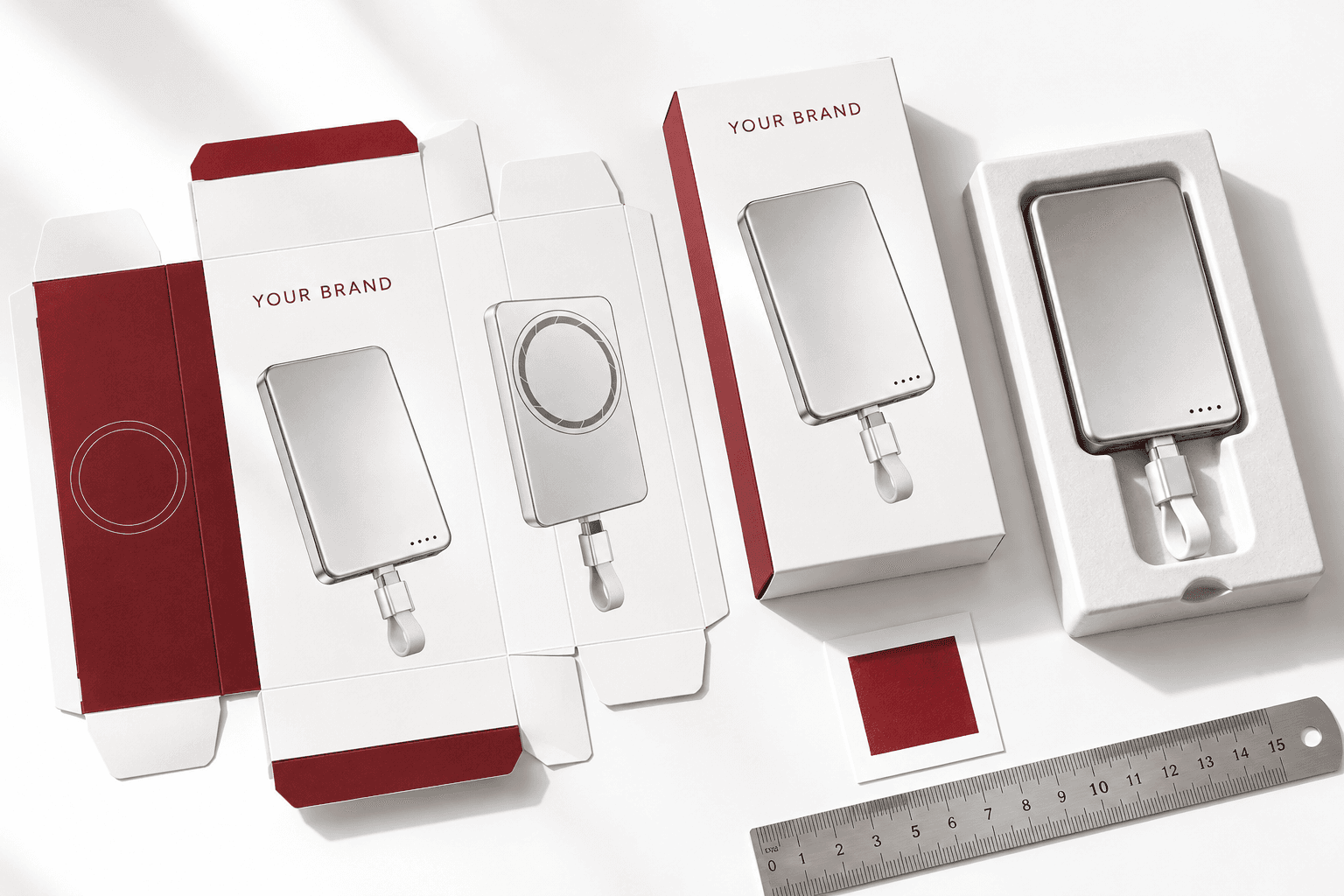
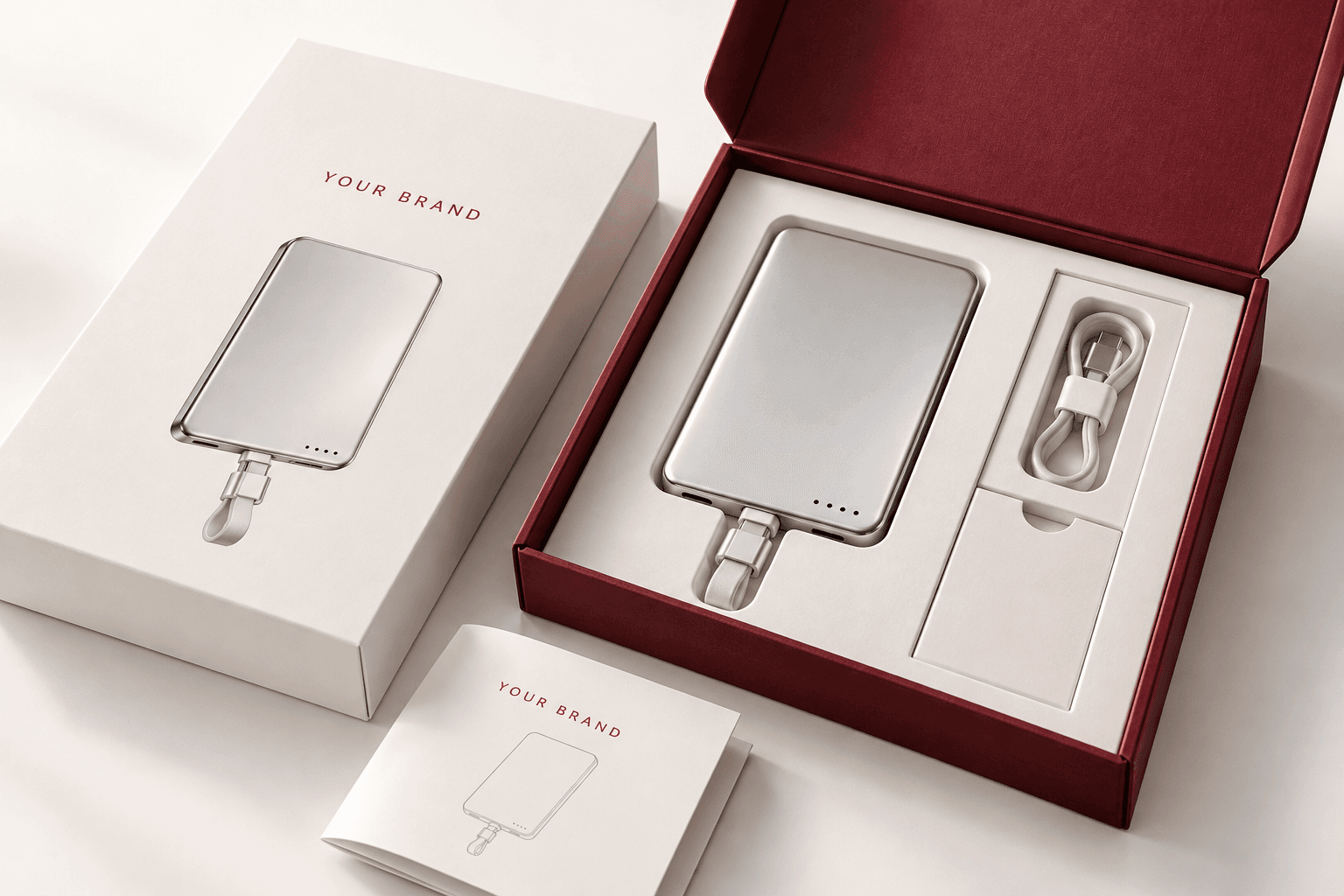
AI-generated concept: review artwork, folds and protective fit together before approval.
4. Review claims and marks before layout approval
Do not copy a row of certification logos from another product or a supplier presentation. Request the supporting documentation for the exact configuration and confirm which statements or marks can appear on that packaging. Keep technical capability, tested compliance and permission to use a protected certification logo as separate approval questions.
For example, USB-IF explains its certified-logo eligibility and licensing process. A USB-C connector alone does not establish permission to print a certified USB logo. Apply the same evidence-first habit to other protected marks. If documentation is pending, resolve the artwork treatment before printing rather than adding an unsupported logo to fill visual space.
Avoid absolute battery safety promises such as “never catches fire.” Packaging should help customers understand the product and its use. It should not turn a limited test result, a chemistry description or a supplier statement into a universal guarantee. Ask the responsible reviewer to confirm market-specific labeling requirements separately; this checklist is an operational approval framework.
5. Check artwork at actual printed size
Review the dieline, bleed, safe areas, fold positions and glue areas with the packaging producer. View the artwork at its real size, not only enlarged on a monitor. Small instructions may look comfortable at 200% zoom and become difficult to read when printed. Check line drawings, port legends and low-contrast gray text especially carefully.
Define a practical color reference for the brand elements and agree how color will be evaluated on the selected material and finish. A monitor preview is not a physical print standard. Matte coating, gloss, foil and textured material can change perceived color and readability. Confirm the available finish and sample method before making an exact appearance commitment to a retailer.
6. Verify barcode and QR-code behavior
Use the correct identifier for the SKU and the intended sales channel. Check the encoded data, the human-readable number and the relationship between product color or bundle variants and their identifiers. A code that scans successfully can still identify the wrong item. Include both content accuracy and physical scan quality in the approval checklist.
GS1 UK provides barcode-placement guidance, including avoiding folds, seams and other disruptive features. Preserve the required clear space for the chosen symbol. Test the finished printed sample under the intended scanning conditions; a successful scan from a PDF is not a substitute for reviewing production print quality.
A consumer QR code should lead to the intended language, instructions or support page on a stable domain. Check it on more than one phone, including after any redirect. Avoid making essential instructions depend entirely on a temporary campaign link. Record who controls the destination so a later website change does not silently break the packaging experience.
7. Review physical fit and the unboxing sequence
Open and repack the sample as a customer would. Check that the product can be removed without excessive force and that its finish does not rub against abrasive edges or loose accessories. Confirm clearance around buttons, protrusions and built-in cables. The correct amount of restraint depends on the product and distribution conditions, so agree acceptance criteria for the actual assembly.
Count the contents against the approved bundle: power bank, cable if included, instructions and any other agreed item. Check accessory compartments, cable routing and protective films. Decide which surfaces need protection and how the customer will remove it. Do not assume that a cable seen in a marketing photograph is included in the sale.
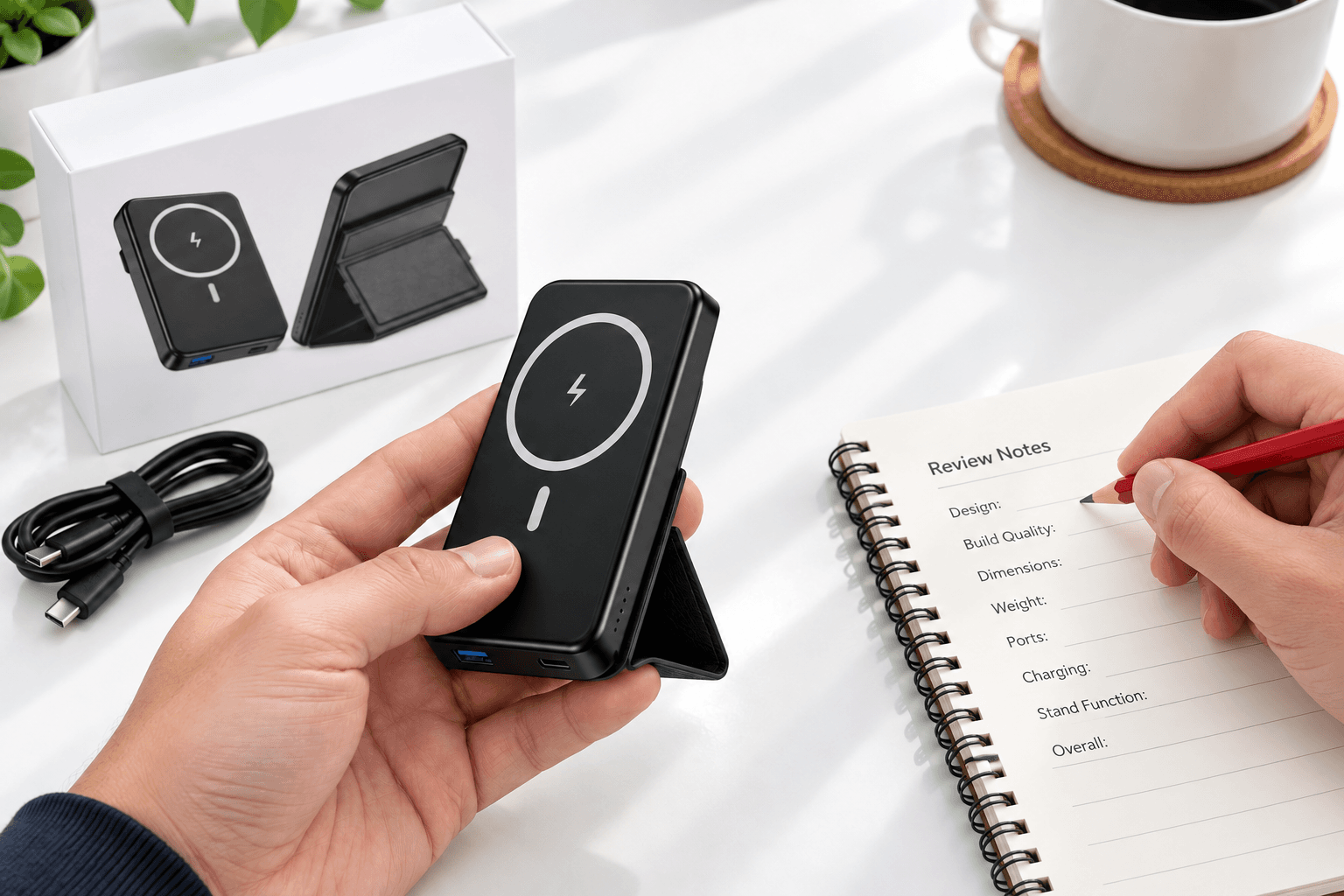
AI-generated sample review concept, not evidence of an actual inspection or test.
8. Turn the sample into a clear approval record
Ask for a sample that represents the proposed materials, construction and printing as closely as the agreed sampling stage allows. Record any differences from the intended production pack. A plain structural sample can answer fit questions while leaving print color unresolved; a digital rendering can answer neither physical fit nor material feel.
Use an approval table with the item checked, the result, any open issue, the responsible person and the approved revision. Photograph the packed arrangement and retain the relevant files. If a detail is conditionally accepted, explain the condition. “Approved except for barcode placement” should not be interpreted as permission to print the entire order unchanged.
9. Control changes after approval
Give each artwork release a unique revision and date. Keep the print-ready file, product specification, insert drawing and contents list together. Identify who can authorize a change and how obsolete files will be withdrawn. Sending several attachments named “final” creates uncertainty about which one the packing operation should use.
Recheck affected details when the product, accessories, language, finish or sales channel changes. A corrected output specification may require a box update even if the physical product is unchanged. Agree whether the change needs a new physical sample, a revised print proof or another targeted check. Record that decision instead of relying on an informal conversation.
10. Include packaging in shipment inspection
Agree the inspection scope before production and confirm the sampling approach with the responsible inspector. Packaging checks can include artwork revision, model and color match, contents, print quality, barcode behavior, visible damage, sealing and carton identification. These checks should refer to the approved sample and written criteria, not an inspector’s personal preference.
Keep transport classification and shipping preparation as a separate workstream with the qualified logistics provider. A retail box approval does not establish that a battery shipment is prepared correctly. Ask for the applicable product and transport documents for the exact shipment, and resolve mismatches before dispatch. Do not infer transport suitability from a decorative label or a certification collage.
11. Prepare a useful request for ZONNGOO
For a packaging design discussion, send the selected model, target market, sales channel, expected quantity, brand artwork, contents list and preferred format. Include retailer requirements and any existing box dimensions. Tell the team whether you need a visual concept, a structural sample, a printed sample or a production quotation; these are different deliverables.
Use sample confirmation to define what must be evaluated before approval. If the project also changes the product itself, discuss the scope through ODM/OEM. Availability, tooling, minimum order quantity, costs and timing need confirmation for the actual project. Contact info@zonngoopower.com with your requirements rather than treating an illustrative image as a guaranteed production offer.
Frequently asked questions
Is a packaging mockup enough to approve production?
No. A mockup helps review appearance but cannot establish physical fit, material feel or final print quality. Agree which sample stage will answer each remaining question and record any differences from production.
Should every power bank variant use the same box?
Only when the dimensions, insert, contents and printed information remain correct for each variant. Similar appearance does not make different capacities, battery series or accessory bundles interchangeable.
Can a supplier add certification logos to my artwork?
Ask for model-specific evidence and confirm the right to use each protected mark before printing. Do not use logos copied from another SKU as proof for the product you are ordering.
When should barcode scanning be checked?
Check the data during artwork review, then review the code on the finished printed packaging. Confirm that it identifies the correct SKU and that its position, contrast and clear space support the intended scanner.
What should happen if an accessory changes?
Review the contents statement, insert fit, instructions and any charging claims affected by the change. Update the approval record and decide whether a new sample or targeted verification is needed.
What should I send to request custom packaging?
Send the model, market, channel, quantity, brand files, included items and preferred packaging structure. Add any retailer specifications and explain which sample or quotation you need next.
Conclusion
Reliable packaging approval connects accurate product information with a real packed sample and a controlled artwork release. Review appearance, fit, contents, codes and supporting claims as distinct questions. Retain the accepted sample and revision record, then use them during shipment inspection. That gives both buyer and supplier a clearer basis for deciding whether the delivered pack matches the agreed requirement.
For your next project, send ZONNGOO the product reference and packaging brief through the inquiry form below. Ask the team to confirm the available format, sample scope and commercial terms before committing to printing.