Quick answer
A magnetic power bank can work through a phone case only when the phone supports the intended wireless charging, the case permits that charging arrangement, and the product sits correctly without camera, wallet or grip interference. Magnetic attachment alone does not establish charging compatibility, maximum power or certification. Check the exact phone, case and power bank together rather than relying on a broad claim that a case is magnetic or thin.
For buyers choosing a personal accessory or a retail range, the most useful question is not simply whether it sticks. Ask whether it remains correctly positioned during ordinary use, begins charging reliably, leaves the camera and controls usable, and behaves as expected under the product instructions. This guide explains how to make that decision without assuming a universal case thickness, guaranteed charging speed or compatibility across every phone generation.
Introduction
A phone case protects a device, but it also becomes part of the charging setup. Two cases for the same phone can differ in their back material, camera surround, accessories and magnetic arrangement. A case that works well with one charging product may obstruct a differently shaped power bank. Product photographs rarely show every combination, which makes a specific compatibility review more valuable than a generic compatibility badge.
For ZONNGOO enquiries, state the exact phone and case as well as the selected power bank model and battery series. The catalog distinguishes all-solid-state, semi-solid-state lithium and lithium-polymer families; those categories describe product configurations, not universal case compatibility. A good fit decision needs both mechanical and charging information. It should also leave room for a wired alternative when wireless use does not suit the customer's setup.
1. Separate attachment, charging and certification
Three questions need separate answers: does the power bank attach, does the phone charge wirelessly in that arrangement, and what certification supports the exact product's claims? A ring or magnetic case can help position an accessory without proving the receiving phone supports the advertised charging mode. Similarly, an on-screen charging symbol does not establish the highest power printed on a product page.
The Wireless Power Consortium product database lists certified products and their WPC identifiers. Match a certification record to the relevant product identity rather than assuming that a similar appearance or the word compatible means certified. MagSafe-compatible language is also not automatically a claim of Apple certification. Ask the supplier to clarify the precise statement intended for the selected model and sales material before repeating it to customers.
2. Identify the phone before choosing a case
Write down the complete phone model, including its size variant. Do not assume every device in a brand family has the same wireless receiver, magnetic system, camera layout or supported power. Check the phone manufacturer's current instructions for that exact model. An accessory ring cannot add a wireless charging receiver to a phone that does not have one.
Where a device supports wireless charging but needs a particular case arrangement for magnetic positioning, confirm the applicable manufacturer guidance instead of treating a generic adhesive ring as equivalent. If your customers use several phones, create a short device list and review each intended combination. This is especially useful for distributors: a precise supported-device statement is more helpful than an unqualified claim that the product works with all phones.
3. Read the case description carefully
Look for a case maker's specific wireless-charging and magnetic-accessory information. A decorative circular design does not necessarily describe a functional magnetic arrangement. Also check whether the case has a metal plate for a car mount, a wallet compartment, a removable grip or a stand that sits between the phone and charging surface. These details matter even when the case is marketed as slim.
Do not invent a universal thickness limit. Material, separation, alignment and the design of both devices affect the combination. If a case manufacturer publishes a compatibility limit, use it within the stated conditions; do not apply it to unrelated cases or power banks. When information is unclear, ask the case maker and evaluate the intended setup rather than promising that every case below a chosen measurement will work.
4. Check camera clearance and the contact area
Compare the power bank outline with the phone's usable back area, including the raised camera surround of the case. A unit can attach while sitting at an angle because an edge rests on that surround. Review whether the intended contact area sits properly and whether the accessory blocks a lens or makes the phone difficult to hold. Do not force a unit flat or add improvised spacers.
Check the actual case, not only the bare phone dimensions. A protective ridge, sliding camera cover or hinge can change the available space. Also confirm access to buttons and any power bank control required by its instructions. If you need a stand orientation, assess that separately on an appropriate surface: successful attachment in a hand does not demonstrate stable use as a desktop stand.
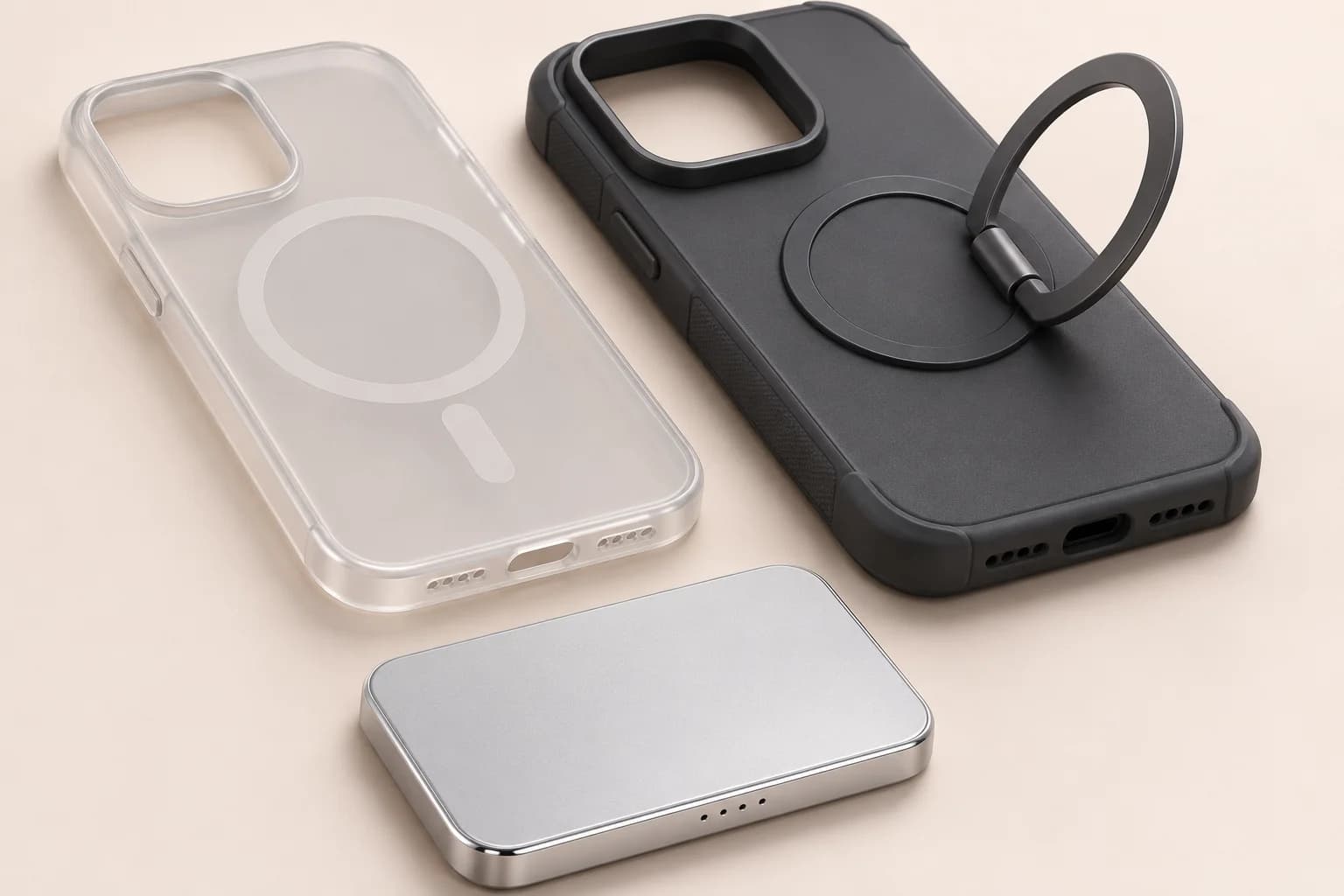
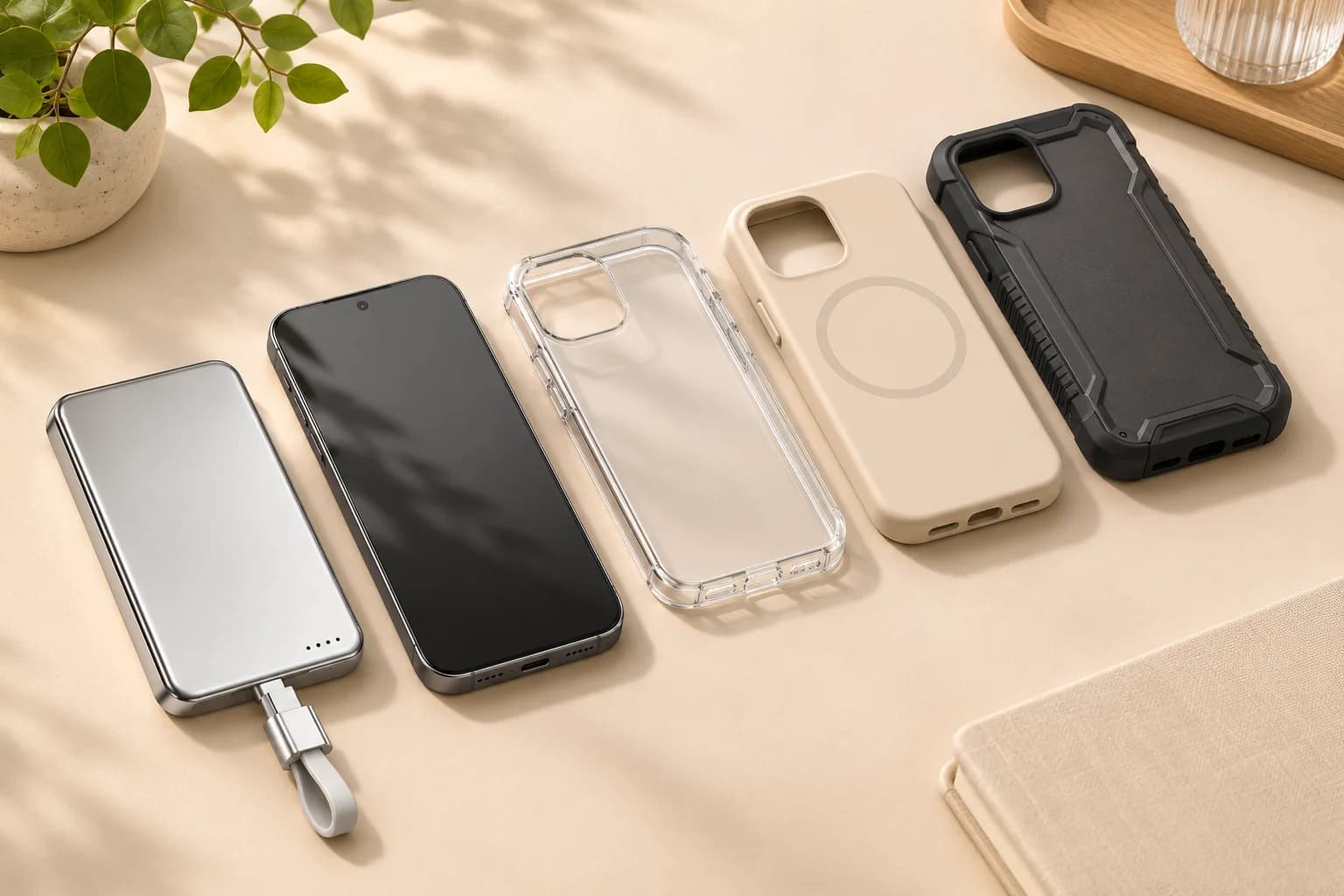
AI-generated fit illustration; not a measurement, compatibility certification or test result for a specific phone.
5. Remove interfering accessories before evaluating
Follow the phone, case and charger instructions concerning items between the devices. Wallets, cards, grips and metal mounting accessories can change the intended setup. Do not treat the magnetic power bank as a substitute for a wallet accessory. If a case combines several features, determine which parts must be removed for charging and whether that is practical for the user every day.
Apple's MagSafe Charger guidance discusses items between an iPhone and charger and notes temperature-related charging limits. That guidance concerns Apple's specified equipment; it is a useful reason to check the instructions, not a blanket approval of third-party products. For a ZONNGOO configuration, request its applicable instructions and supported arrangement. Keep cards and unnecessary objects out of the charging contact area rather than experimenting with stacked accessories.
6. Compare the case arrangements that matter
Use a simple comparison to decide what needs confirmation, not to declare every case in a category compatible. Two products sharing a description can still have different geometry and materials. Record the exact case reference alongside the phone model so a later change does not silently invalidate the review.
| Case arrangement | Main question | Sensible next step |
|---|---|---|
| Phone without a case | Does the phone support the intended attachment and charging? | Check manufacturer guidance and actual fit |
| Case specified for magnetic charging | Is this exact phone and accessory combination supported? | Review the case reference and camera clearance |
| Plain non-magnetic case | Will charging and positioning work as intended? | Confirm guidance; do not assume reliable attachment |
| Wallet, grip or metal-plate case | Is anything between the charging surfaces? | Follow instructions and remove unsuitable accessories |
If a combination requires repeated adjustment, do not present it as effortless compatibility. A different case or a suitable wired connection may be the better recommendation.
7. Evaluate charging under comparable conditions
For an ordinary-use review, record the exact phone, software where relevant, starting charge level, case, power bank reference and surroundings. Use the product as instructed and check that charging starts and remains appropriate for normal stationary use. Compare with the case removed only where the manufacturers permit that arrangement, keeping other conditions as similar as practical.
A momentary reading or charging icon is not a full performance measurement. Phone power demand can change during the session, and battery-management behavior may reduce charging as conditions change. Do not guarantee a charging time from a single demonstration. If a project requires measured power, efficiency or thermal performance, agree on a qualified test method and acceptance criteria rather than treating a casual comparison as laboratory evidence.
8. Treat warmth and interruptions as observations
Wireless charging can involve warmth, but a user should follow the product's operating limits and the phone's guidance rather than deciding that any temperature is acceptable. If charging pauses or behavior is unexpected, stop and check the instructions, case arrangement and surroundings. Do not cover the setup, place it under bedding or keep retrying a visibly damaged product to obtain a successful result.
Avoid diagnosing every interruption as a defective battery or every warm session as a case problem. Several parts of the setup can influence behavior. Record what happened and contact the supplier with the exact combination and conditions. For damaged, swollen or otherwise suspect equipment, discontinue use and seek the manufacturer's handling guidance. Do not open the housing or bypass protective behavior as part of a compatibility check.
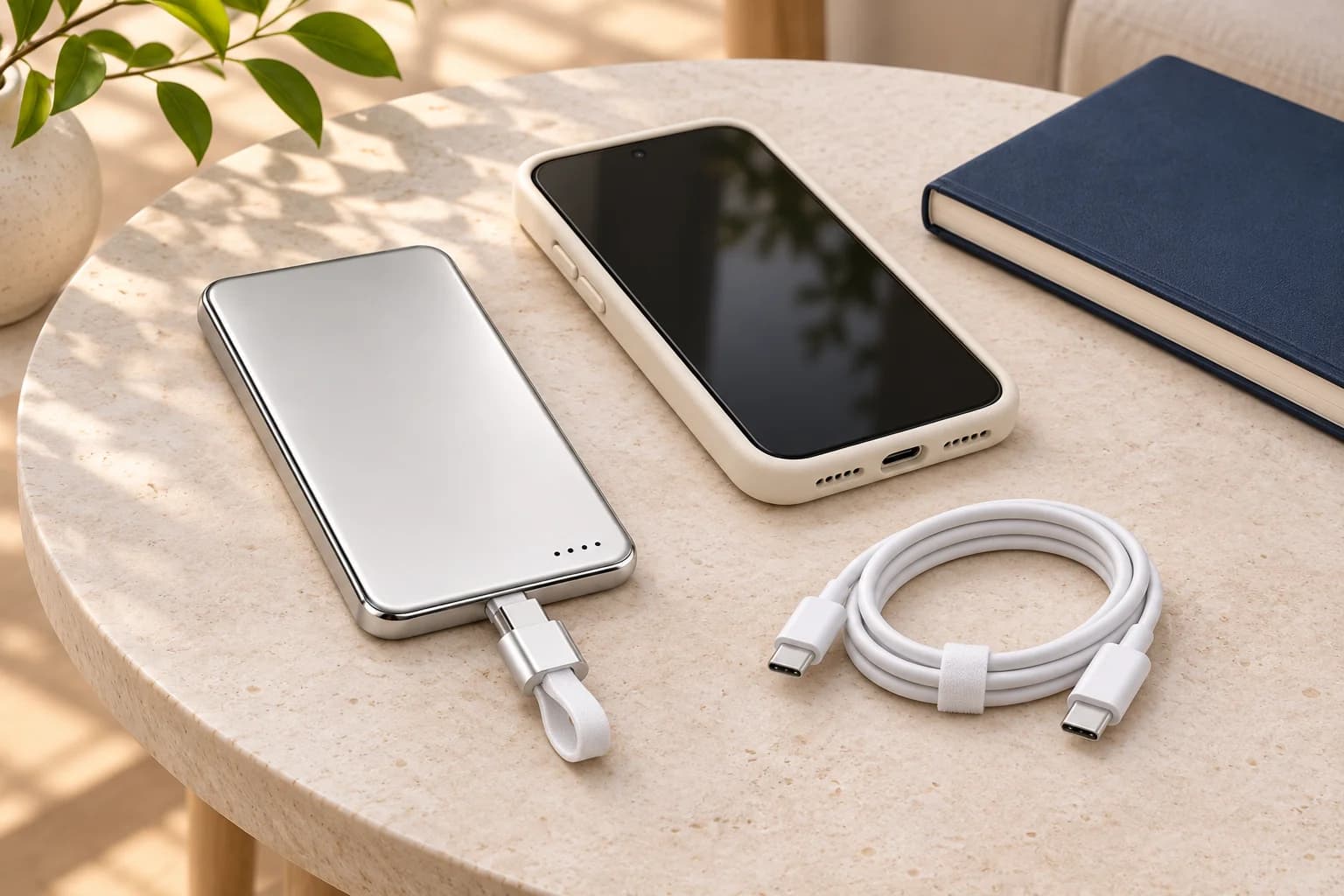
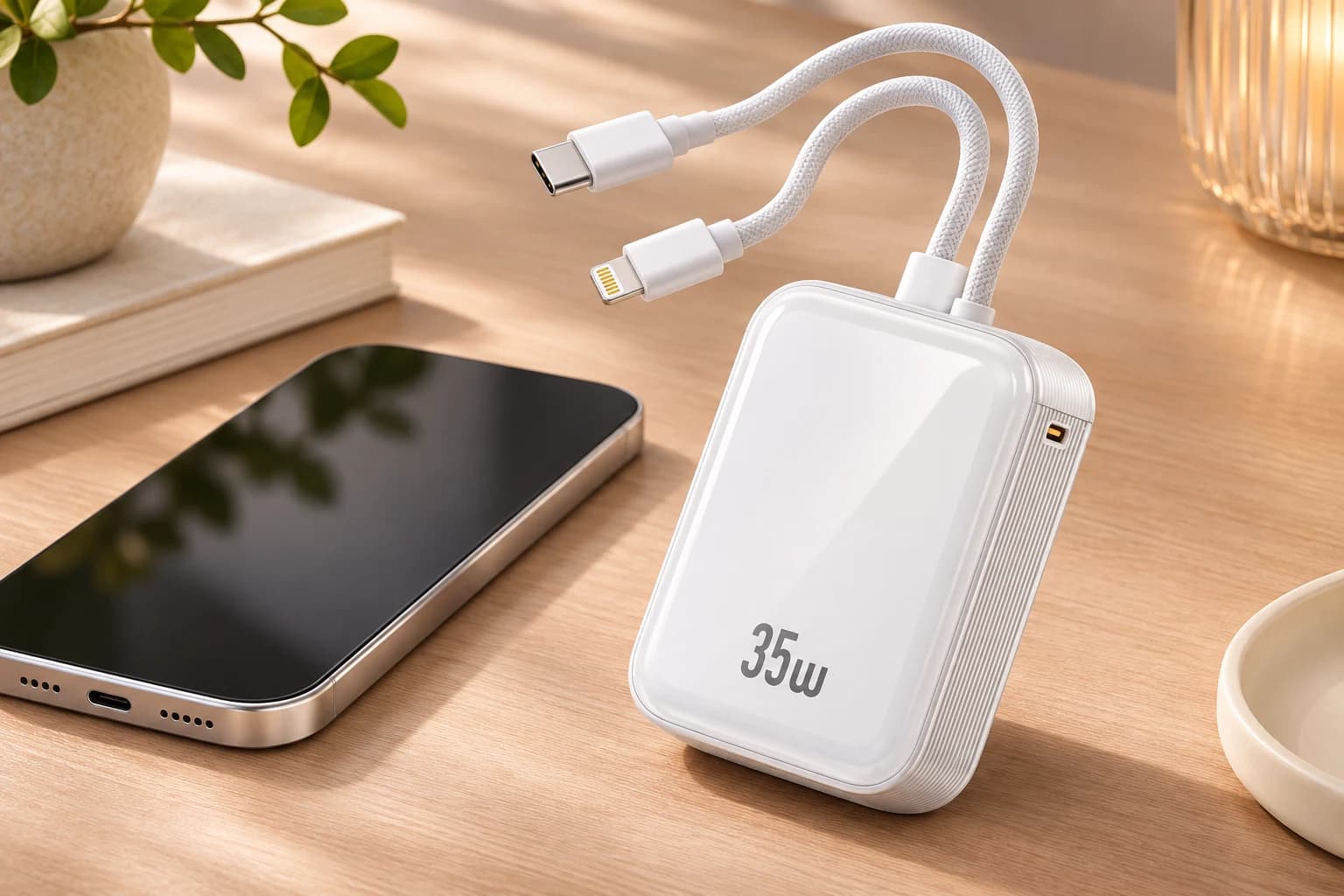
AI-generated accessory concept; it does not demonstrate charging speed, device support or a certified connection.
9. Keep a wired option in the decision
A buyer may value wireless convenience but still prefer a cable for a particular case or activity. Check the power bank's specified wired output, the phone's supported charging and the cable rating. A USB-C connector shape alone does not establish all available power profiles. Confirm the exact port and combination rather than applying the product's headline maximum to every connection.
Wired and wireless ratings describe different arrangements, so avoid comparing them as if they guarantee identical phone charging times. For capacity selection, the 5,000mAh versus 10,000mAh guide explains why nominal capacity is not the same as charge delivered to a phone. Choosing a larger battery does not correct an obstructed charging surface or make an incompatible case suitable.
10. Turn compatibility into clear retail information
State the tested or confirmed combination accurately and disclose the conditions. Distinguish manufacturer specifications, supplier confirmation and your own observations. If you have not tested a particular case, do not describe it as tested. Keep product-page wording narrower than the evidence rather than adding every popular phone name for search traffic.
For a retail range, maintain a simple matrix of phone, case reference, power bank variant, source of information and review date. Include any accessory removal requirement and avoid implying permanent support after the case or phone changes. The sample approval guide explains how to retain the configuration and open issues. The matrix is a proposed buying tool, not a claim that ZONNGOO maintains a complete public compatibility list.
11. Send a specific compatibility enquiry
When contacting ZONNGOO, provide the phone model, case brand and reference, photographs showing the camera surround, intended use, battery series and selected power bank model. Add quantity and destination market for a commercial enquiry. Ask which combination can be reviewed and whether suitable samples and instructions are available. Availability, sample cost and timing require confirmation for the project.
You can begin with the lithium-polymer product category or semi-solid-state lithium category, then request the current specification for the chosen model. Use the sample confirmation page to discuss the review scope. No product category alone guarantees case compatibility, and a concept image in this guide should not be used as proof of a particular device pairing.
Frequently asked questions
Will every thin case work with a magnetic power bank?
No. Thickness is only one consideration. Material, magnetic arrangement, camera clearance and the phone's supported charging also matter. Check the exact case and product instructions rather than applying a universal thickness rule.
Does an adhesive magnetic ring add wireless charging to a phone?
No. A ring cannot add a receiver that the phone lacks. Do not assume a ring establishes correct alignment, charging performance or certification; follow the device and accessory manufacturers' guidance for the intended setup.
Why does the power bank attach but not charge reliably?
Attachment and charging are separate. Review the phone's support, case arrangement, contact area, product instructions and conditions. Record interruptions and consult the supplier instead of repeatedly adjusting or modifying the product to force operation.
Is MagSafe-compatible the same as Qi-certified?
No. They are different statements. Request the exact certification identity when certified wording is claimed, and check the relevant official database. Compatibility language should not be expanded into an unsupported certification claim.
Can a wallet or grip stay between the phone and power bank?
Do not assume it can. Follow the relevant instructions, remove unsuitable intervening accessories, and keep cards and unnecessary objects out of the charging contact area. Choose another arrangement if removal is impractical.
What details should I send to ZONNGOO?
Send the exact phone, case reference, selected power bank and battery series, use scenario, quantity and market to info@zonngoopower.com. Ask for applicable specifications, instructions and a defined compatibility review rather than an unqualified all-device promise.
Conclusion
Choose a magnetic power bank and case as a combination. Start with the phone's capabilities, check the real contact area and accessory arrangement, and separate attachment from charging performance and certification. Record the conditions behind any compatibility statement and keep wired charging available when appropriate. This gives customers a clearer purchase decision and helps a brand answer practical questions without promising support it has not established.