Quick Answer
A power bank can stop charging earbuds when their current becomes too small for its output-detection settings. However, a loose cable, unsuitable port or completed charge can look similar. Check the accessory’s actual battery progress first. Then consult the exact power-bank manual for a supported low-current mode and its limits.
Introduction
You need a power bank for earbuds that keeps working through the accessory’s charging session. Maximum watts alone cannot establish that behavior. This guide separates normal completion from interrupted charging. You can check compatibility and specify evidence before purchasing a branded power bank.
1. Identify What Actually Stopped
You should distinguish a dark indicator from an accessory that genuinely stopped receiving useful charge.
A power-bank screen switching off does not necessarily mean its output stopped. An earbud case light may also appear only briefly. Check the accessory’s documented status method before concluding that either product failed. Record the case’s battery level separately from the earbuds inside it.
For example, Apple’s AirPods charging guidance distinguishes case charging from charging the earbuds inside the case. Its instructions also depend on the case model. Use the equivalent official guidance for your accessory. Avoid assuming every small case reports its status in the same way.
Start with one case, one cable and one power-bank output. Note whether charging begins, continues and reaches the expected completion state. A single flash cannot establish those three stages. Neither can a photograph of two connected products. This distinction prevents unnecessary replacements when the indicator simply behaves normally.
2. Understand Low-Load Detection
Some power-bank designs use output-current detection to decide whether a connected load still needs power.
Texas Instruments describes current-based attachment detection in its power-bank application report. Its example compares measured output current with a threshold. Very small current can be interpreted as an unattached condition. This explains a possible mechanism, rather than identifying the circuit inside your product.
That mechanism creates a compatibility question for small accessories. Their demand may differ from the phone used during an informal demonstration. You cannot derive the threshold from the power bank’s advertised maximum output. Capacity and the battery family also do not reveal its detection settings.
Treat low-load shutdown as a hypothesis until you check the exact configuration. Firmware, port behavior and accessory charging state can matter. Do not publish a universal minimum-current number without product documentation. A semiconductor reference design describes an engineering approach, not a guarantee for every finished power bank.
3. Separate Low-Current Mode From Fast Charging
A supported low-current mode addresses small-load operation, while a maximum wattage rating describes a different capability.
Names such as accessory mode or trickle mode are not a universal operating standard. Your manual must define what the mode changes. It may describe activation, affected ports, an indicator and an automatic exit condition. Follow those instructions instead of copying a button sequence from another brand.
Do not interpret the mode as permission to bypass the accessory’s charging controls. You are selecting a supported output behavior for a compatible device. You are not directly charging its internal cell. Avoid opening equipment, modifying cables or adding improvised loads to keep the power bank awake.
When comparing models, ask for both normal output specifications and low-load behavior. A higher advertised output does not resolve an undocumented shutdown rule. Likewise, a slow-looking accessory session does not prove insufficient maximum power. See the USB-C power-selection guide for the separate question of matching supported charging profiles.
4. Check The Whole Connection Path
You should verify the case, cable and selected output together before blaming automatic shutdown.
Identify the exact case generation and connector. Check which power-bank sockets provide output; a socket’s shape alone does not establish its role. Read the cable instructions and inspect both ends for damage. Use a known compatible cable without forcing the connector or bending it against the case.
For a smartwatch, include the required charging puck or dock in your configuration. A USB connector on its cable does not mean the watch accepts a direct USB connection. Similarly, do not infer earbud wireless-charging support from a magnetic phone-charging feature. Compatibility belongs to the complete path, including the receiving accessory.
Begin with the simplest supported wired path where available. Remove unnecessary hubs and adapters during diagnosis. Change one component at a time so the result remains interpretable. If a replacement cable changes the outcome, record that specific difference. Do not silently expand the result into a promise covering every cable sold with your retail bundle.
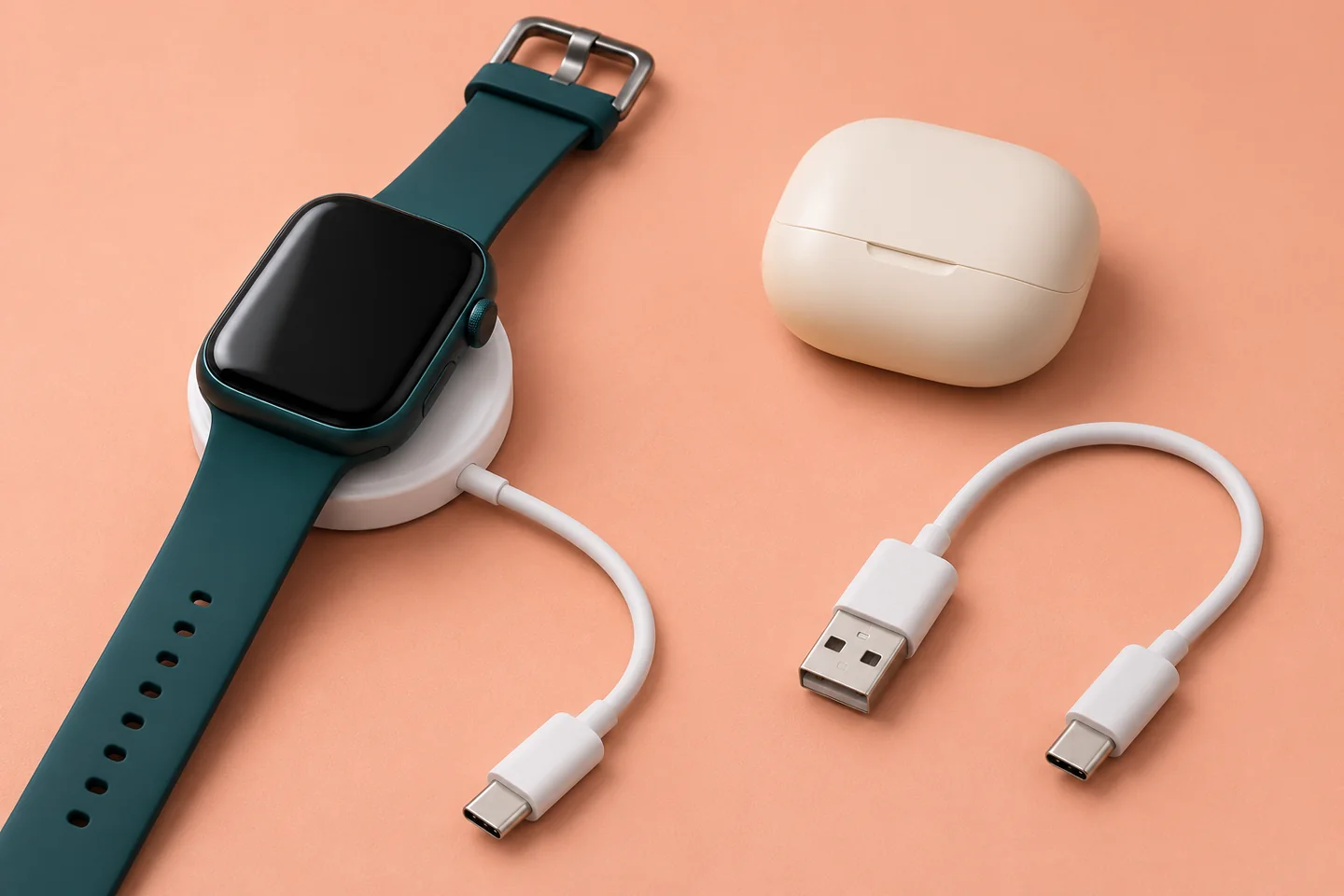
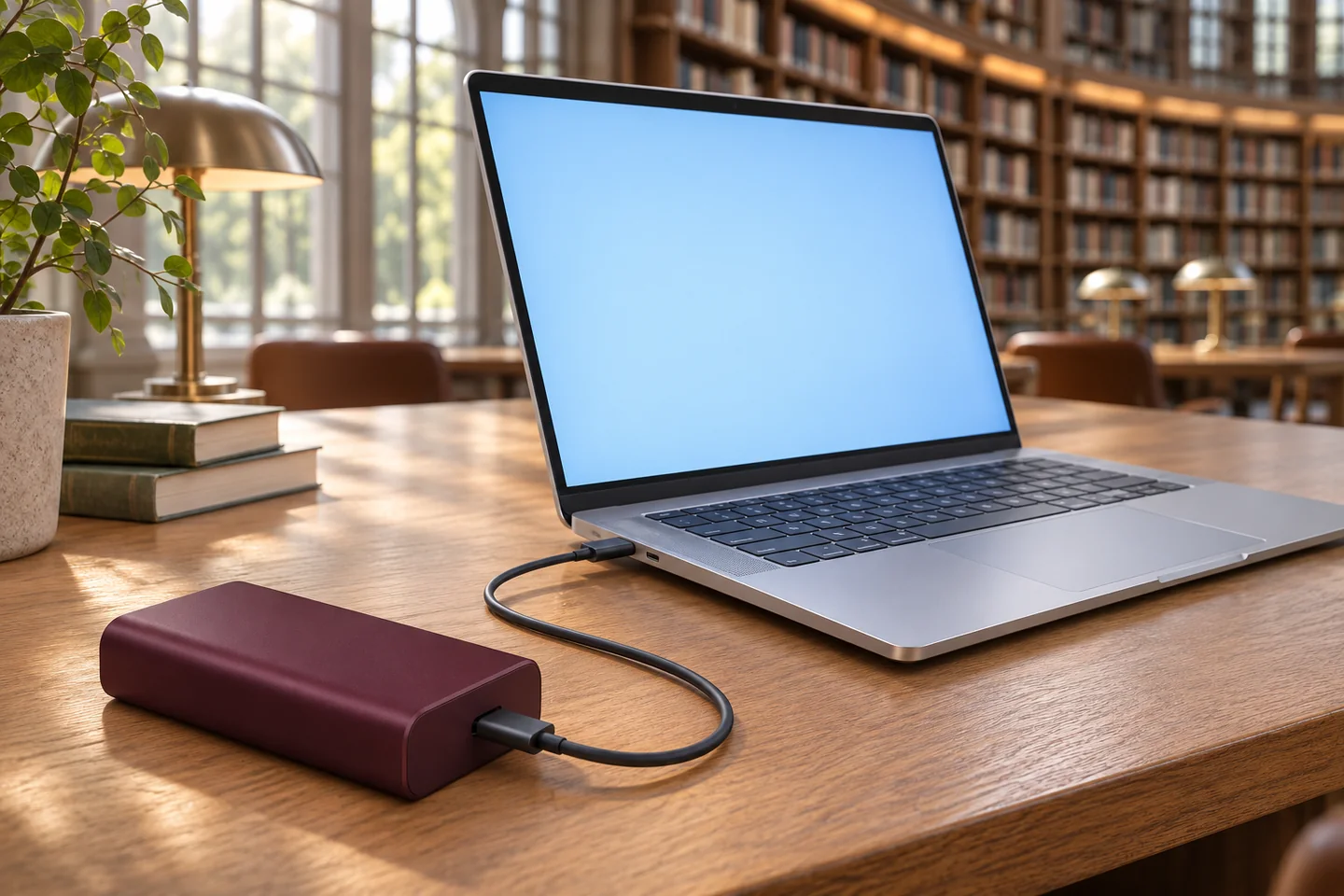
AI-generated accessory-path concept; not a compatibility test, exact product photograph or certification claim.
5. Use A Controlled Troubleshooting Sequence
You should establish a known starting condition and change only one variable between observations.
Recharge the power bank according to its instructions. Check that the earbud case actually needs charging using its documented status method. Connect the selected cable to the confirmed output. Observe charging beyond the initial indicator, then check whether the case’s recorded state has progressed.
If the session stops prematurely, consult the manual for a supported accessory mode. Repeat the observation with the same cable, case and starting conditions where practical. Record activation and any mode indication. If the manual provides no such feature, ask support rather than guessing repeated button presses.
Next, compare a known compatible charging source with the same accessory and cable. This helps narrow the investigation without establishing a complete engineering diagnosis. Stop using damaged equipment or equipment showing abnormal behavior. Follow the manufacturer’s safety and support instructions. Repeated reconnection is not a reliable substitute for identifying why a session ended.
6. Read Symptoms Without Overdiagnosing
You can use observed patterns to choose the next check, but no single pattern proves the underlying fault.
| Observation | Possible Explanation | Next Useful Check |
|---|---|---|
| Power-bank screen darkens, case progresses | Display timeout | Check documented indicator behavior |
| Case stops below its expected completion state | Detection, cable or accessory issue | Repeat with a supported mode and known cable |
| Another compatible source works | Configuration-specific compatibility | Record the exact power-bank port and mode |
| Another cable works | Cable or connection difference | Inspect and document the cable configuration |
| Session ends when the case is full | Normal completion may explain it | Confirm the accessory’s completion indication |
| Behavior changes with a second device | Shared-output interaction | Verify the documented combined-use configuration |
Use this table as a troubleshooting map, not a remote diagnosis. Record what you directly observed separately from what you suspect. Describe actual charge progress instead of simply reporting a defective battery. Include elapsed time and the status-reading method when contacting support. Those details make a repeatable comparison possible.
7. Check The End Of The Session
You should observe the later charging stage because a successful start does not prove successful completion.
An accessory’s demand need not remain identical throughout its session. Test the stages that matter to your use, including a case approaching its normal completion point. Also distinguish a case charging alone from a case supporting its earbuds. Document which arrangement you actually checked.
Ask whether any accessory mode exits automatically and what happens afterward. Request the supported duration and restart instructions from the exact manual. There is no universal timer assumed here. A mode suitable for one short top-up may not match a longer unattended charging requirement.
Do not promise overnight operation based on a brief demonstration. Record the intended session length, normal environment and outcome criteria before evaluating samples. If those criteria are not met, discuss the configuration with the supplier. A larger cell capacity alone cannot repair a control-behavior mismatch. You need evidence that the relevant output remains useful for your accessory’s actual session.
8. Keep Shared Charging A Separate Question
You should verify small-device charging alone before assessing a phone and accessory together.
Connecting a phone alongside earbuds can change the overall operating condition. A successful combined session does not prove that the case charges reliably alone. Conversely, separate success does not establish every combined-output arrangement. Check both situations if both appear in your intended customer experience.
Request a combination-specific output description, including any interruption when another device connects or disconnects. Observe the earbud case afterward rather than watching only the phone’s charging symbol. A brief transition and a session that never resumes are different outcomes. Record them separately for useful supplier discussion.
The two-device power-sharing guide covers combined-output selection in more detail. Do not use a second device as a permanent workaround for undocumented accessory compatibility. That approach changes your carrying needs and consumes additional energy. Your preferred retail claim should describe a verified supported arrangement, including any required mode or user action.
9. Build A Useful Sample Record
You should define accessory-specific acceptance observations before approving a product for sale.
Record the power-bank model, version, port, cable and exact accessory model. Add the accessory’s initial state, operating mode and status-reading method. Note the start, intermediate observation and final outcome. Include reconnection behavior if customers are expected to disconnect the case during normal use.
Choose a practical acceptance statement. For example, require the named case to reach its documented completion state through the approved connection path. Specify allowed user actions and whether automatic mode exit is acceptable. This is a proposed purchasing criterion, not a test result or a performance promise from ZONNGOO.
Keep photographs alongside written observations, with their scope clearly stated. A photograph can document the arrangement without proving continuous output or internal cell behavior. If measurements are required, agree appropriate equipment and a method with the responsible technical team. Use the sample-confirmation page to frame the approval conversation and retain a revision-specific reference.
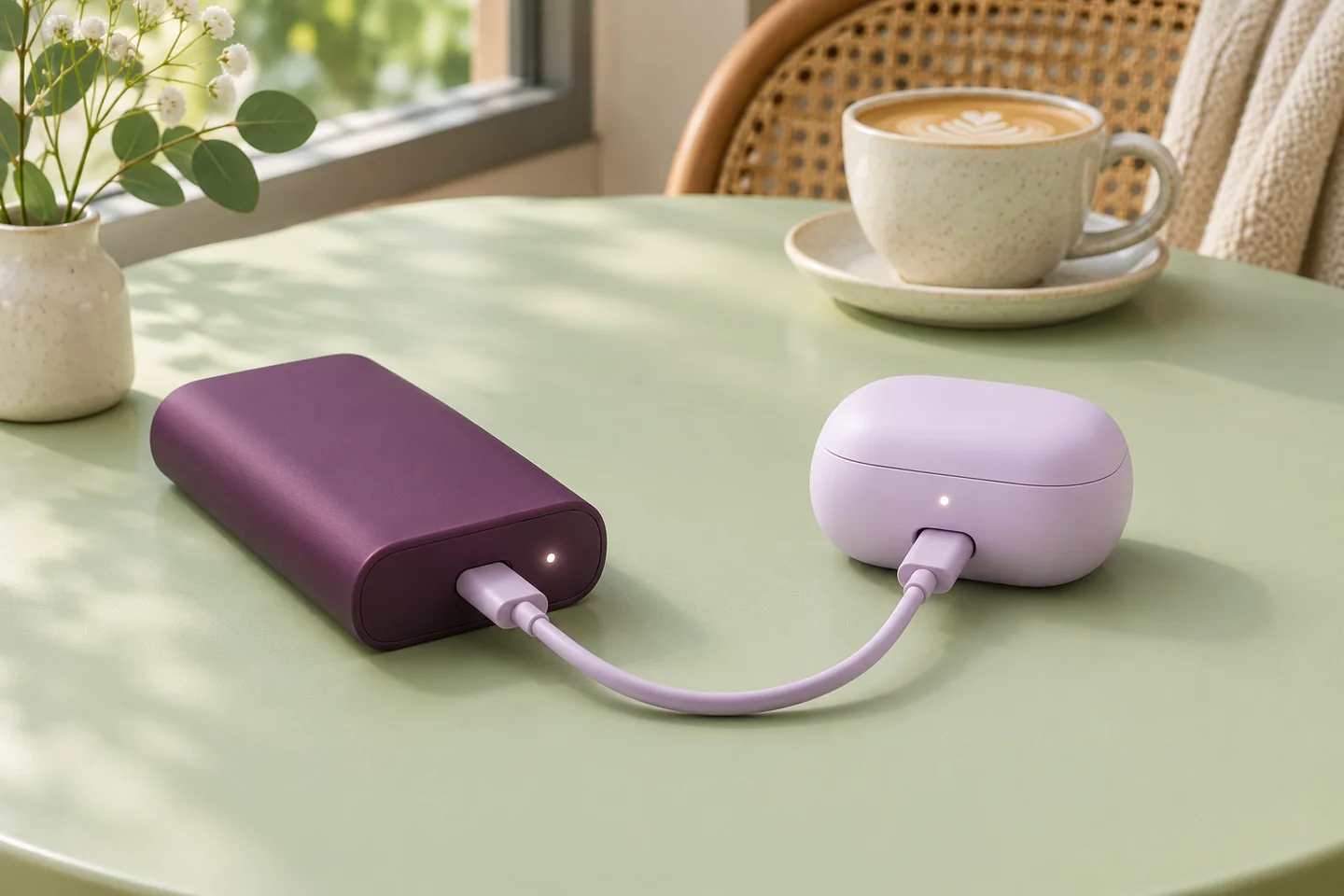
AI-generated observation-planning concept; no real inspection, measured charging time or customer test is depicted.
10. Compare Products Without Unsupported Claims
You should compare documented accessory behavior alongside capacity, size and ordinary output specifications.
Start with the ZONNGOO product categories, then request evidence for the configuration you intend to order. All-solid-state, semi-solid-state and lithium-polymer labels describe product families. They do not independently establish an accessory mode, its activation procedure or minimum supported load. Do not transfer a feature between families or similar-looking model numbers.
This guide does not confirm low-current mode for a particular ZONNGOO model. Ask for the current specification, manual and sample configuration. If the requested behavior is absent, discuss whether another available configuration suits the requirement. Any development proposal needs its own feasibility review, schedule and approval scope.
For a branded bundle, include the supplied cable and target accessory list in the quotation brief. Discuss packaging instructions through OEM/ODM project planning. Avoid generic “charges all earbuds” wording. A focused claim with named conditions is more useful than an expansive statement your supporting evidence cannot establish.
11. Make Instructions Match The Approved Behavior
Your customer instructions should describe the same model, mode and connection path that your approval record covers.
Explain which output to use and whether activation is required. Show the confirmed indicator and the documented exit condition. Distinguish a screen timeout from an output shutdown where the model documentation supports that distinction. Provide a clear support route for cases that stop before their expected completion state.
Review the instructions in every sales language. Keep technical meaning consistent rather than translating a vague marketing phrase. Check that a button illustration matches the final housing revision. If the product changes, revisit accessory compatibility before reusing the old packaging statement. A familiar exterior does not prove unchanged internal behavior.
Send one consolidated requirement to Contact Us: accessory models, approved cables, intended session length, market and order quantity. Ask which configurations can be evaluated and which evidence is available. This creates a concrete next step without assuming an undocumented mode or promising compatibility before samples are reviewed.
Frequently Asked Questions
These answers separate general troubleshooting from features that require exact-model confirmation.
Why Does My Power Bank Charge My Phone But Not My Earbuds?
The accessory may present a different load or connection requirement. Low-load detection is one possible explanation, alongside cable and port differences. Compare the exact configurations and check the manual before identifying a fault.
Does A Higher Wattage Fix Earbud Charging?
Not necessarily. Maximum output and small-load detection are separate characteristics. You need a compatible connection and documented operating behavior, rather than a larger headline wattage alone.
Is Trickle Mode The Same On Every Power Bank?
No. The name does not define universal activation, ports or duration. Follow the specific manual and confirm what the mode actually supports. Do not copy another product’s button sequence.
Can I Leave A Second Device Connected To Keep It Awake?
Do not rely on that as your compatibility solution. It changes the operating configuration and consumes energy. Verify the earbud case alone and any supported combined arrangement separately.
Does A Magnetic Power Bank Charge Every Wireless Earbud Case?
No. Confirm the receiving case’s charging support and the power bank’s documented compatibility. A phone-oriented magnetic feature does not establish every accessory’s wireless charging behavior.
What Should I Send ZONNGOO Before Ordering?
Send accessory models, cable details, preferred product family, session requirements, market and quantity. Request the current manual and a defined sample evaluation. Treat unconfirmed low-current behavior as an open requirement.
Conclusion
Choose a power bank for earbuds by verified charging behavior, not maximum watts alone. Check the connection, actual charge progress and documented mode limits. Before ordering, define accessory-specific approval criteria and request evidence for the exact configuration you intend to sell.