Quick Answer
A power bank can charge your laptop when its input, accepted profiles and cable match the bank’s output. USB-C connector fit alone does not establish compatibility. Check the exact laptop model, approved charging port and manufacturer guidance first. Then verify the complete setup under your intended workload before buying or making retail claims.
Introduction
Choosing a power bank for a laptop starts with compatibility, before capacity. You need a charging connection your computer actually accepts. This guide separates connector shape, available power and useful work time. It also explains what to request before approving a laptop-focused product or private-label order.
1. Confirm Your Laptop Accepts USB-C Charging
You should confirm USB-C charging support for your exact laptop model before comparing portable batteries.
Find the manufacturer’s manual using the full model number, including its generation or configuration. Identify which port accepts external charging power. A USB-C socket might serve another purpose; its appearance cannot replace the manual. Record the specified charging method and recommended supply requirements together.
Check whether your laptop normally uses USB-C or a different charging connector. If its documentation does not authorize USB-C input, stop treating a USB-C power bank as a direct replacement. Do not improvise with a barrel adapter because the plugs seem compatible. Connector conversion does not establish electrical compatibility or manufacturer approval.
For example, Microsoft’s Surface charging guidance recommends USB-C Power Delivery and the power recommended for the particular model. It warns that lower-power sources may charge slowly or not at all. That guidance does not certify any ZONNGOO combination.
2. Match The Output Profile, Not Just The Headline
You should compare the laptop’s accepted input with the selected power bank output and its documented operating conditions.
USB Power Delivery, often shortened to USB PD, involves a compatible source and receiving device. A maximum printed wattage describes a ceiling under supported conditions. It does not mean every attached laptop receives that power. Request voltage and current profiles for the specific output you plan to use.
As arithmetic, 20V multiplied by 3.25A equals 65W. This calculation does not prove protocol compatibility, successful negotiation or sustained delivery. Your laptop must accept the available mode, and the cable must support the connection. Keep the actual input requirements beside the bank’s output list when comparing them.
Separate input and output ratings on the bank. A strong input describes how the bank can recharge, rather than what it necessarily supplies. Also separate a single-port rating from a combined total. Our 20W, 45W and 65W guide explains broader wattage selection.
3. Check The Cable And Connection Path
You should verify the cable’s power capability and use the intended charging connection without unnecessary intermediate devices.
A cable can fit both sockets while having unsuitable capabilities for your target setup. USB-IF explains that cables have different capabilities. Its compliance program uses power markings for USB-C cables. A certified cable does not add capabilities or certification to attached products.
Ask which cable is included and its supported power. Confirm whether a built-in cable has the same output as a separate port. Do not assume the answer from thickness, color or connector finish. For a target above a cable’s documented capability, select a documented suitable cable instead. Higher cable capacity cannot upgrade a bank’s output or your laptop’s accepted input.
Begin compatibility checks with a direct bank-to-laptop connection. Add a hub or dock only if your intended use requires it. Document that exact accessory separately. Microsoft’s USB-C troubleshooting guidance also distinguishes cable and hub problems. Keep unsupported adapter chains outside your approved setup.
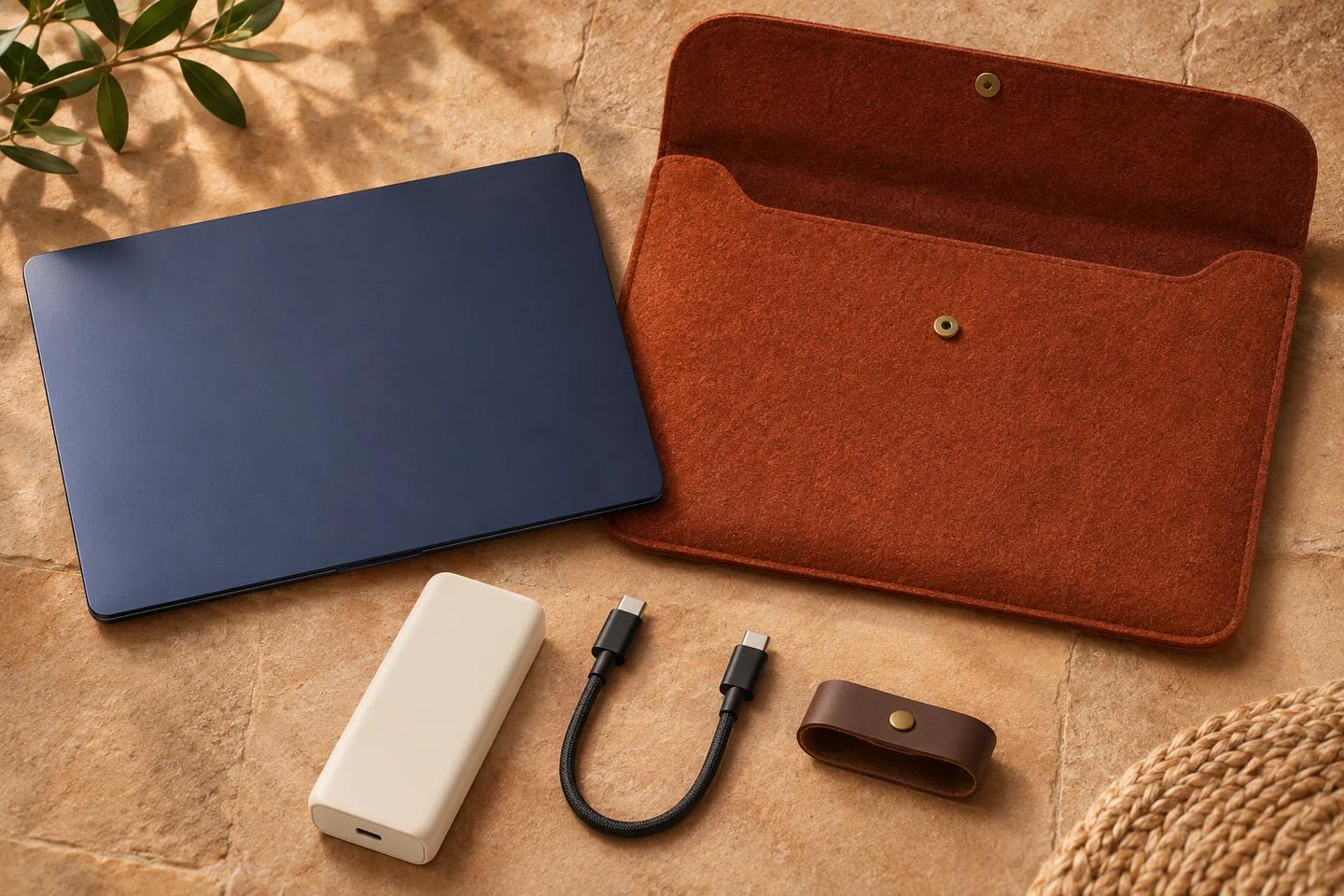
AI-generated laptop charging-kit concept; not an exact ZONNGOO product, supplied accessory set or compatibility test.
4. Define What Successful Laptop Charging Means
You should define success as a specific outcome, rather than simply seeing a charging icon.
Your goal might be charging a sleeping computer, extending a work session or increasing battery percentage while editing. Those outcomes impose different demands. Write down which outcome matters before comparing samples. A charger recognized by the operating system does not establish how quickly stored energy increases.
| Your Situation | What To Confirm | Decision Before Approval |
|---|---|---|
| Laptop closed or asleep | Accepted input and continued charging behavior | Define the required starting state |
| Light office work | Stable supply and battery trend during that workload | Record brightness and connected accessories |
| Demanding creative work | Input limits and battery trend under representative demand | Do not infer suitability from idle charging |
| Charging through a dock | Dock input requirements and complete power path | Approve that exact accessory combination |
| Laptop plus another device | Shared output rules and connection changes | Validate the actual port pairing |
| Branded retail bundle | Named device coverage and supplied cable revision | Match packaging claims to recorded evidence |
Set the observation period before checking a sample. Use comparable initial laptop and bank charge levels. Record any warning messages without rewriting them as a pass. A practical evaluation should describe what happened and under which conditions. It should not replace required product safety or compliance assessment.
5. Separate Running Power From Battery Gain
You should distinguish energy used to operate your laptop from energy added to its battery.
During use, the computer consumes power for its processor, screen, radios and connected accessories. Available input can support those tasks while leaving less for battery charging. A steady percentage can therefore mean the bank is supporting your session. A falling percentage requires closer investigation, rather than an automatic diagnosis from the icon.
Do not equate a laptop adapter’s nameplate rating with constant consumption. Actual demand changes with the task and system behavior. A video call, rendering job and sleeping computer create different evaluation conditions. Use a workload relevant to your customers instead of choosing an unusually easy demonstration.
Record screen brightness, connected storage and other relevant accessories. Note whether battery-saving settings were enabled. Keep those conditions consistent when comparing candidates. If demand exceeds what the accepted connection can supply, battery percentage may still fall. Check manufacturer guidance before accepting a lower-power arrangement for ongoing use.
6. Estimate Work Time With Defined Energy Boundaries
You should estimate additional work time from available delivered energy and representative consumption, with both measured at consistent boundaries.
Watts describe power, while watt-hours describe energy over time. The EIA explanation of electrical measurement supports that distinction. A larger wattage headline does not by itself establish a longer work session. Likewise, headline mAh alone cannot establish laptop runtime.
Consider a fictional example with 30Wh available at a defined laptop-input boundary. If average demand there stays at 15W, division gives two hours. These invented values illustrate arithmetic only. They do not describe a ZONNGOO measurement, typical efficiency or promised extension.
Real estimates depend on delivered energy, changing workload, conversion losses and system limits. Account separately for energy stored in the laptop if your goal includes battery charging. Do not count that energy twice. Our capacity-label guide explains why cell and output figures need their voltage and conditions. Request suitable evidence before printing a runtime claim.
7. Read A Real 65W Listing Carefully
You can use a real product listing to shortlist a candidate, while leaving device compatibility subject to confirmation.
ZONNGOO’s 20MC25-65W listing identifies a semi-solid-state lithium battery model with 20000mAh cell capacity. Its USB-C output profile list includes 20V/3.25A. The listing describes up to 65W wired output, integrated cables and a display. These details support a specification discussion, not a universal laptop endorsement.
The listed 12000mAh rated capacity has unconfirmed voltage and test conditions. Do not turn it into a delivered-energy or laptop-recharge guarantee. Ask which connector provides each output profile and what protocol support is documented. Confirm cable-specific ratings, simultaneous-output limits and the revision supplied with your order.
The listing also includes a DC output with an unconfirmed connector and supported use. Do not present that as a laptop barrel-charging solution. Battery chemistry does not establish USB-C compatibility. Compare the current approved specification against your exact laptop and sample results before choosing this candidate for a bundle.
8. Check Second Devices And Charging Accessories
You should approve the complete connection arrangement if customers will use more than the laptop alone.
Adding a phone may change available output allocation or trigger connection changes, depending on the product. Ask for the actual shared-output table rather than adding separate maximum ratings. A bank suitable for your laptop alone might not meet the same objective while another device charges.
Keep laptop charging and power-bank recharging as separate decisions. If you expect simultaneous input and output, confirm that operating mode explicitly. Do not assume the bank behaves as an uninterrupted backup. Our pass-through charging guide explains the additional conditions. Our power-sharing guide covers multi-device allocation.
Choose a recharge adapter and cable from the bank’s documented input requirements. Your laptop adapter may be a candidate, but connector similarity is insufficient. Verify the approved arrangement rather than promising every customer can reuse existing accessories. Include required accessories in the purchase specification and cost comparison.
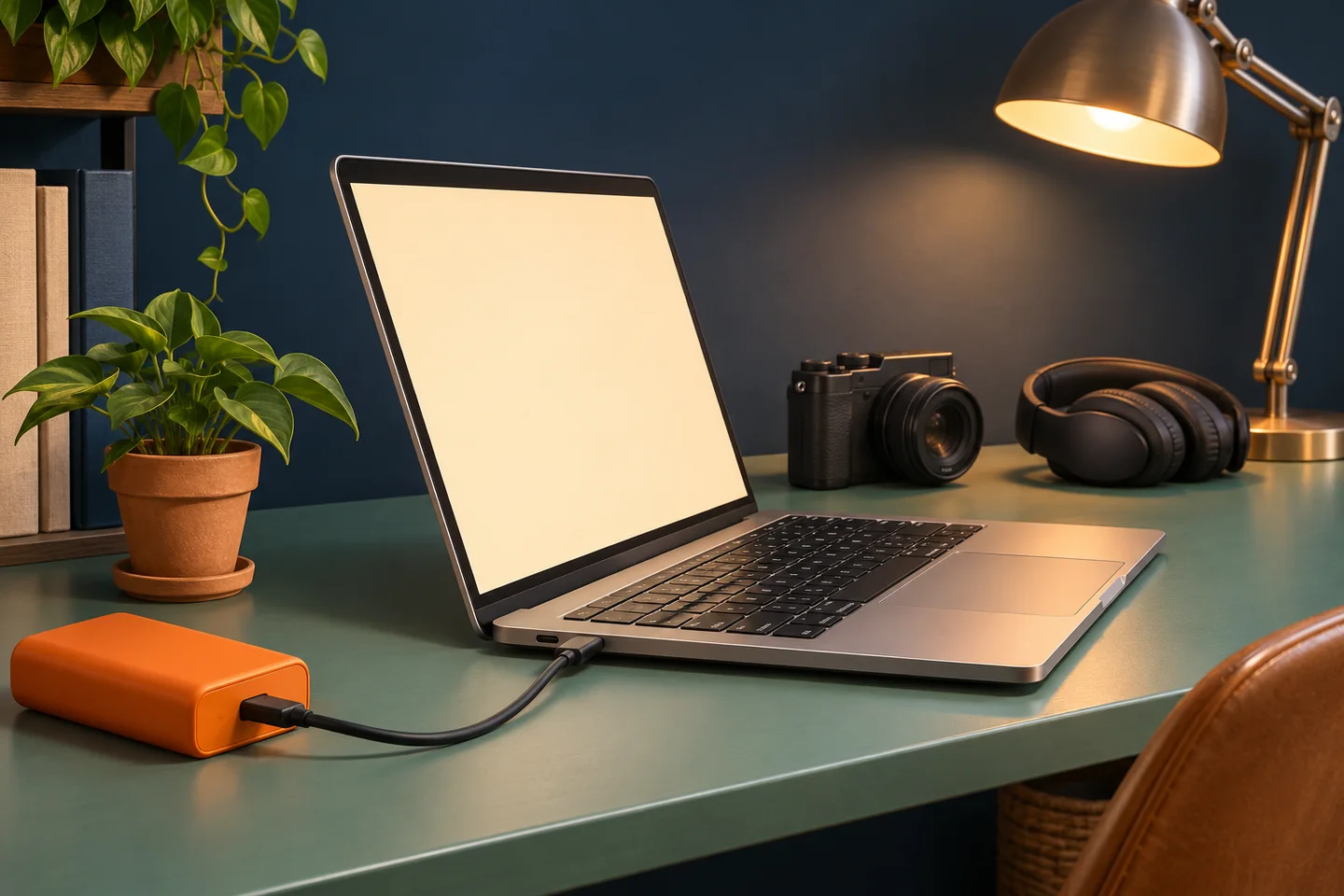
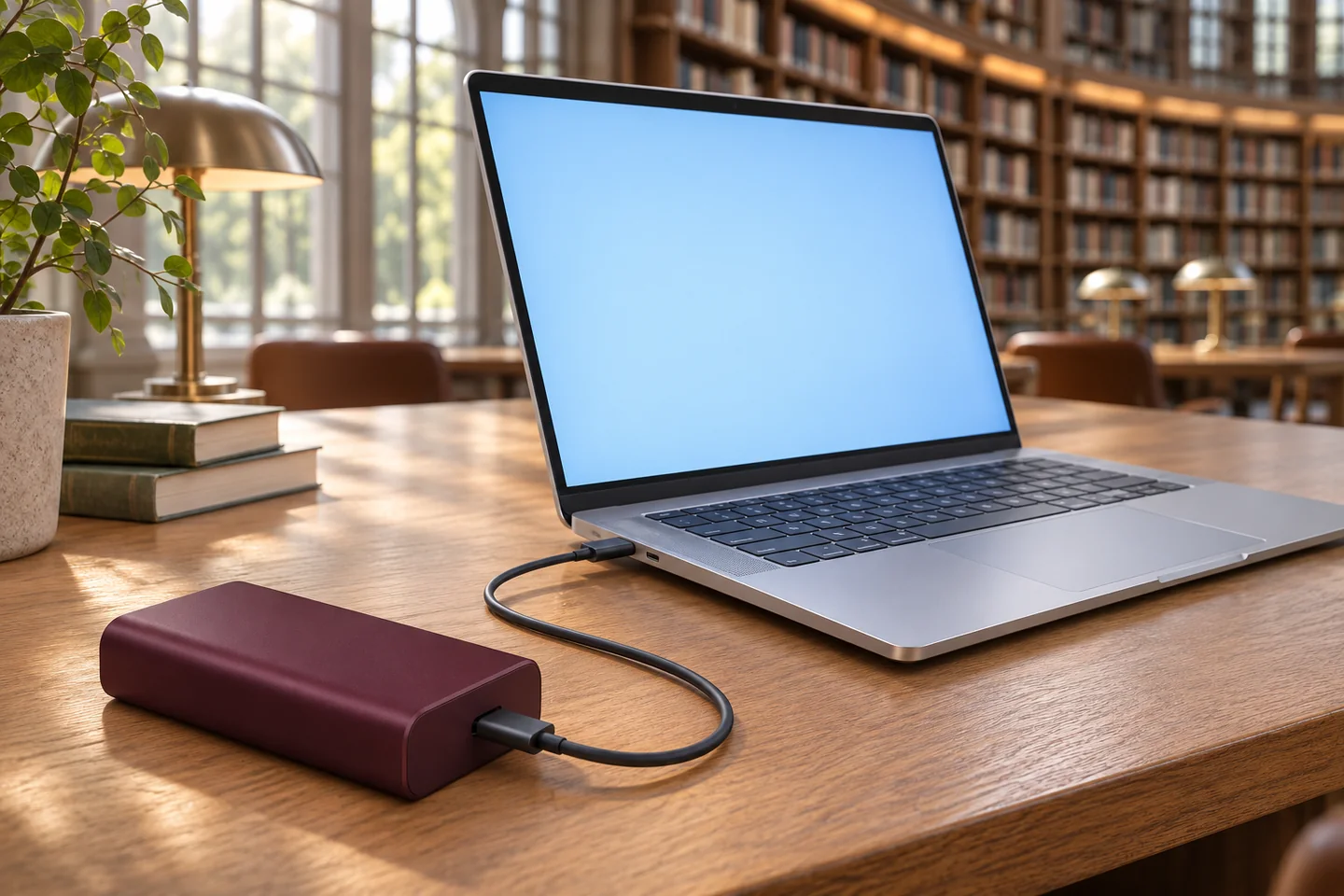
AI-generated work-session concept; no runtime, power negotiation or actual compatibility result is shown.
9. Use A Repeatable Sample Approval Record
You should record a reproducible setup before accepting a sample or publishing a laptop compatibility statement.
Begin with the full laptop model, operating-system version and approved charging port. Identify the bank, firmware or revision if available, and exact cable. Record accessory models and connection order. Describe starting charge levels, environment and the task being performed. These details make later comparisons more meaningful.
Observe recognition, warning messages, connection stability and battery trend over your agreed period. Repeat relevant conditions, including reconnecting and adding a second device when permitted. If you use measurement equipment, document its location and method. An instrument inserted into the path must also suit the charging connection.
Set acceptance criteria with the supplier before evaluation. You might require the agreed workload without repeated disconnects or a documented minimum battery trend. These are proposed purchase conditions, not existing ZONNGOO test results. Follow the product’s handling instructions and stop using damaged equipment. Our sample confirmation page explains the broader review stage.
10. Build Laptop Claims Around Specific Evidence
You should make retail and private-label claims as narrow as the compatibility evidence you actually hold.
Avoid statements such as charging every laptop or replacing every original adapter. List tested device models only when you have corresponding records. State the cable, output mode and relevant usage conditions. Keep fast-charge claims separate from basic charging compatibility. A supported profile list alone is insufficient evidence for either promise.
For a laptop-focused range, define the intended customer before finalizing branding. Office commuting and intensive mobile production can require different operating outcomes. Discuss the candidate product through OEM/ODM requirements, with current specifications and market documentation. Do not assume a custom logo changes electrical performance or expands supported protocols.
Check that product pages, manuals and packaging describe the same approved configuration. Make substitutions subject to review when they affect the cable or power path. Include a clear route for customers to check their laptop requirements. This helps your sales team answer compatibility questions using evidence instead of connector guesses.
11. Send A Useful Laptop Charging Inquiry
You should send the laptop requirements and intended outcome together when requesting a product recommendation or quotation.
Include the exact laptop models, charging documentation, desired workload and preferred cable arrangement. State whether customers will charge other devices simultaneously. Add target market, order quantity and branding needs. If you need a retail bundle, specify included accessories and the claims you want to support.
Ask for output profiles, protocol documentation, shared limits and rated-energy test conditions. Request clarification where a listing leaves conditions unconfirmed. Agree on a sample evaluation plan before ordering. Compare total bundle requirements rather than unit price alone. An unsuitable cable or unsupported promise can undermine an otherwise attractive product choice.
Browse the current product range to identify candidates, then contact ZONNGOO with that brief. Keep compatibility conclusions tied to the final supplied configuration. A disciplined inquiry gives you a clearer approval decision and more useful customer guidance.
FAQ
Can Any USB-C Power Bank Charge A Laptop?
No. Your laptop must accept charging through the selected port. The bank must provide a compatible output, using a suitable cable. Check manufacturer guidance and verify the complete configuration before relying on it.
Is 65W Enough For My Laptop?
It depends on your laptop’s accepted input and intended workload. A 65W maximum does not guarantee 65W delivery to every computer. Compare documented profiles and evaluate the specific setup. Demanding operation may require a different supply.
Why Does The Battery Fall While The Charging Icon Appears?
Your computer may consume more power than the accepted input supplies. Other causes also need investigation, including cable problems or system limits. Record the workload and warnings. Compare behavior with the manufacturer-approved charging arrangement.
Does A Higher-Rated Cable Increase Charging Power?
No. A suitable cable supports the required connection but cannot raise the bank’s output or laptop’s accepted input. Confirm cable capability independently. Do not interpret a cable power marking as certification of the complete product combination.
Can I Charge Through A USB-C Dock?
Only if the complete arrangement supports your laptop’s charging requirements. The dock introduces another power-path condition. Verify its documentation and test that exact configuration. A successful direct connection does not approve every dock.
How Many Laptop Charges Does 20000mAh Provide?
You cannot determine that from mAh alone. You need the voltage basis, delivered energy conditions and laptop battery requirements. Work performed during charging also consumes energy. Request relevant measurements rather than promising a fixed recharge count.
Conclusion
Choose a power bank for your laptop by matching the input port, power profiles and cable first. Then verify your workload and energy objective. Keep retail claims tied to documented conditions. Send your exact laptop requirements before approving a product, sample or branded bundle.