Quick Answer
Choose a power bank for your tablet by checking the exact tablet input, bank output, cable and working setup. Then compare useful energy, carried size and recharge opportunities. A USB-C socket or large capacity number alone does not prove suitability. For a branded tablet bundle, approve the complete identified configuration rather than promising compatibility with every tablet.
Introduction
A power bank for your tablet should fit the way you use the tablet, not just its connector. Reading, drawing and connected desk work create different requirements. This guide helps you define a useful setup and prepare a clear purchasing brief without guessing charging time or runtime.
1. Identify Your Tablet Before Choosing The Bank
You should begin with the exact tablet model, generation and charging instructions. Tablets with similar names can use different connectors or charging arrangements. Record the model identifier rather than relying on screen size. Include any case, keyboard or dock that stays attached during use.
Check whether your tablet has USB-C, Lightning or another input. Do not assume a USB-C cable fits every iPad generation. Likewise, an Android label does not establish one common charging requirement. Use the manufacturer’s documentation for the device you actually own or intend to bundle.
Apple’s USB-C iPad connection guide applies to listed USB-C iPads and describes charging with a compatible power adapter. It is not an endorsement of an unidentified power bank. Keep that distinction when reading supplier claims. A useful inquiry names the tablet and its expected connection, instead of requesting universal compatibility. That gives the supplier a concrete configuration to confirm.
2. Match The Supported Input And Output
You should compare the tablet’s accepted charging arrangement with the bank’s documented output on the port you will use. A connector match is only the starting point. Check the relevant voltage, current and charging-method information. Do not transfer a rating from another port into the proposed connection.
A high maximum wattage does not force the tablet to accept that power. It also does not prove that every required mode is present. Ask which output specification applies to your intended tablet. Keep supported capability separate from a guarantee of delivered power or charging time.
Google’s Pixel Tablet charging guidance distinguishes USB-C charging from its Charging Speaker Dock. That illustrates why a dock arrangement cannot simply be assumed to match a portable bank. Do not generalize one tablet’s recommended supply to every tablet. Our power selection guide explains output selection more broadly. Use it alongside the exact tablet instructions, not instead of them.
3. Define The Tablet Session You Want To Support
You should describe the intended session before deciding how much portable energy or charging capability you need. A reading session differs from video calls, illustration or a connected workstation. State whether the screen stays active and which accessories remain connected. Include the expected opportunity to recharge later.
Separate two goals: adding charge while the tablet rests and extending useful operation during active use. They require different observations. A bank might provide power while the tablet’s own battery percentage rises slowly. That observation alone does not establish a defect or a suitable all-day setup.
For a purchasing brief, describe the actual task rather than asking for a universal number of extra hours. Record the application, approximate session length and acceptable carried size. Note whether you can pause use for charging. This creates a reviewable requirement without inventing a power-consumption figure. It also prevents a supplier from answering a demanding work-session question with an unrelated idle charging demonstration.
4. Keep Active Use Separate From Recharge Claims
You should evaluate active use and resting recharge as separate conditions. The tablet can consume energy while receiving power. Screen settings, applications and connected equipment can change the balance. Do not infer a fixed runtime extension from the appearance of a charging icon.
Google’s cited tablet guide recommends avoiding tablet use when seeking quicker charging. That guidance concerns its device, not a measured result for your bank. For your own configuration, describe the workload during any agreed sample check. Record initial and final tablet state, elapsed time and relevant settings. Do not present an informal observation as laboratory efficiency data.
If the battery percentage remains steady, investigate the complete supported arrangement rather than immediately buying the largest bank. If concerning heat, damage or other abnormal behavior appears, stop and follow the equipment manufacturer’s instructions. This article does not define a universal temperature threshold. Our external charging checklist explains controlled connection checks without opening equipment or bypassing protection.
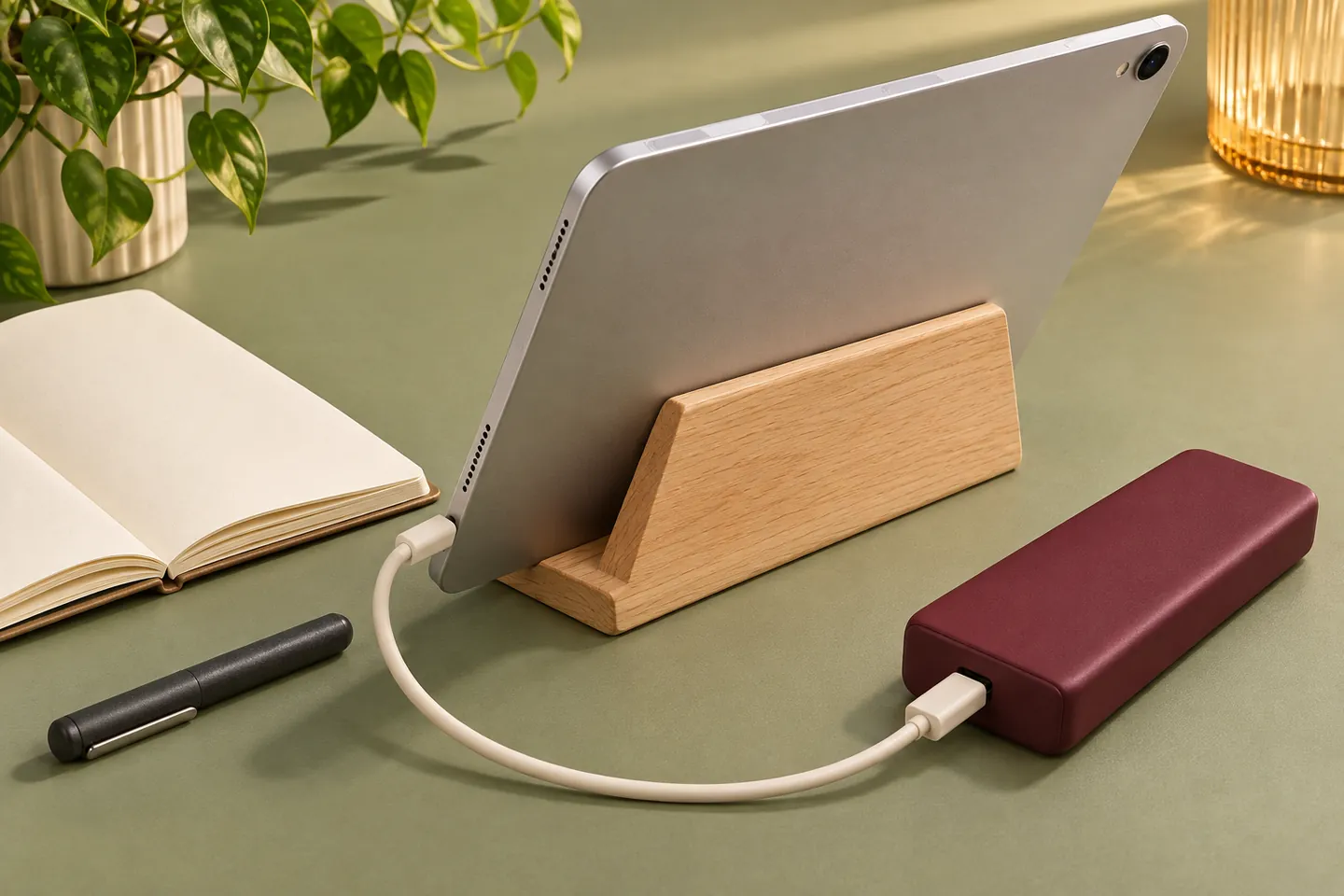
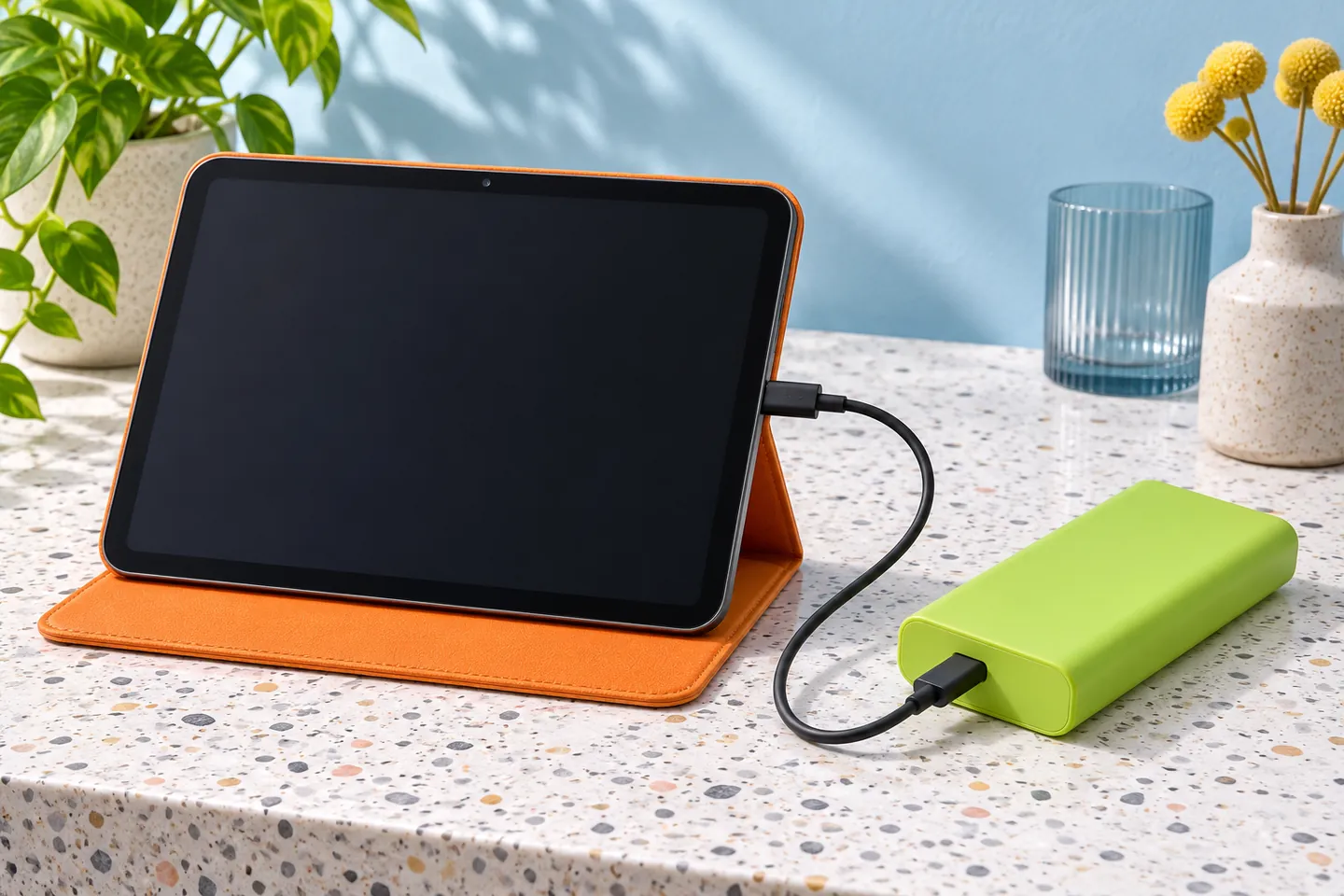
AI-generated tablet-workstation concept; not an exact product, compatibility test or measured charging result.
5. Compare Tablet Use Cases Before Comparing Size
You should compare banks against the session requirement, not rank them only by their printed capacity. The table turns common tablet situations into purchasing questions. It does not establish specifications for a particular tablet or bank. Use your actual device instructions to resolve each technical requirement.
| Tablet Situation | Prioritize In The Brief | Verify Before Approval |
|---|---|---|
| Reading away from a socket | Comfortable carried size and supported connection | Cable fit with the reading case |
| Drawing or note-taking | Unobstructed hand position and cable routing | Connection during the actual working posture |
| Video calls or media sessions | Active workload and intended session | Charge behavior under the defined workload |
| Keyboard or hub workstation | Complete accessory and power arrangement | Supported power path through the exact accessories |
| Tablet plus phone | Shared-output requirements | Each port’s behavior with both devices attached |
| Branded travel or study kit | Identified tablet range, cable and instructions | Approved configuration and documented claims |
Choose the essential requirements before deciding optional extras. A compact reading kit may value simplicity over additional ports. A desk kit may need accessory compatibility more than minimal size. If your task changes, revisit the brief. Do not quietly reuse an approval from a different operating arrangement.
6. Compare Energy On A Consistent Basis
You should compare useful-energy evidence on a consistent basis before estimating how much charge reaches the tablet. Cell capacity, rated output capacity and tablet battery capacity can describe different conditions. Dividing two printed mAh figures does not automatically produce a reliable full-charge count.
Where watt-hour information is available, confirm what each value represents and the conditions behind any delivered-energy claim. Do not insert a universal conversion efficiency to make the arithmetic look precise. Cable, operating mode and the tablet’s own use affect the practical outcome. Treat unsupported charge-count promises as unresolved questions.
Our rated capacity guide explains the difference between cell and output descriptions. For a tablet project, request the bank’s applicable documentation and agree how the intended session will be evaluated. Keep the tablet’s starting state and workload in the record. A larger printed capacity can be relevant, but it cannot replace configuration evidence. You still need a realistic carrying decision.
7. Select The Cable And Physical Layout Together
You should choose the cable with the tablet’s case, stand and normal working position in view. A suitable plug must seat normally without pulling against the port. Check the space around the connector and where the bank will rest. Avoid using the cable to suspend the bank from the tablet.
For drawing, consider whether the cable crosses your hand or prevents a comfortable tablet angle. For a keyboard arrangement, check whether the bank blocks the stand or nearby connector. A short cable can reduce loose routing, but it can also restrict placement. Choose the usable arrangement rather than the smallest accessory shown in a photograph.
USB-IF’s cable guidance explains that cables have differing capabilities. A certified cable also does not expand the capabilities or certification of connected products. Our detachable USB-C cable guide helps separate power and data requirements. Do not claim file transfer, display support or docking capability solely because the charging cable uses USB-C connectors.
8. Check Keyboards, Hubs And Power Direction
You should verify the entire accessory path when the tablet’s port is already occupied. A keyboard, hub or dock introduces another identified product. Check its supported charging arrangement, required supply and device compatibility. Do not assume every port on a hub accepts power input.
Apple’s cited iPad guide describes accessory connections and notes that some accessories can affect battery life. Those statements do not verify a particular third-party hub and bank combination. Ask for the exact accessory instructions. Distinguish charging the tablet from powering an accessory through the tablet.
Some tablets can also supply power to other equipment. A physical connection therefore does not by itself establish your intended direction. Observe the actual devices and follow their instructions. Do not prescribe an unrelated button sequence or cable reconnection trick as a universal solution. Approve a direct arrangement first where appropriate, then assess any supported accessory path separately. Keep the added equipment in the sample record and customer instructions.
9. Plan Phone Sharing And Bank Recharging Separately
You should check shared output and bank recharging as separate decisions in a tablet kit. A bank that suits the tablet alone may behave differently with a phone attached. Request the documented port combination and available output conditions. Do not add individual port maximums into a guaranteed simultaneous total.
Our two-device charging guide explains the shared-output question. For your kit, identify the phone, tablet and cables used together. Decide which device has priority when convenient charging matters. Record any output changes during the agreed review instead of assuming the second connector has no effect.
Then consider how you recharge the bank before the next session. Identify the compatible input supply, cable and available charging opportunity. Our bank recharge guide covers that separate path. Do not assume simultaneous bank input and tablet output is supported. If you need that mode, request explicit confirmation and relevant instructions before including it in the proposed kit.
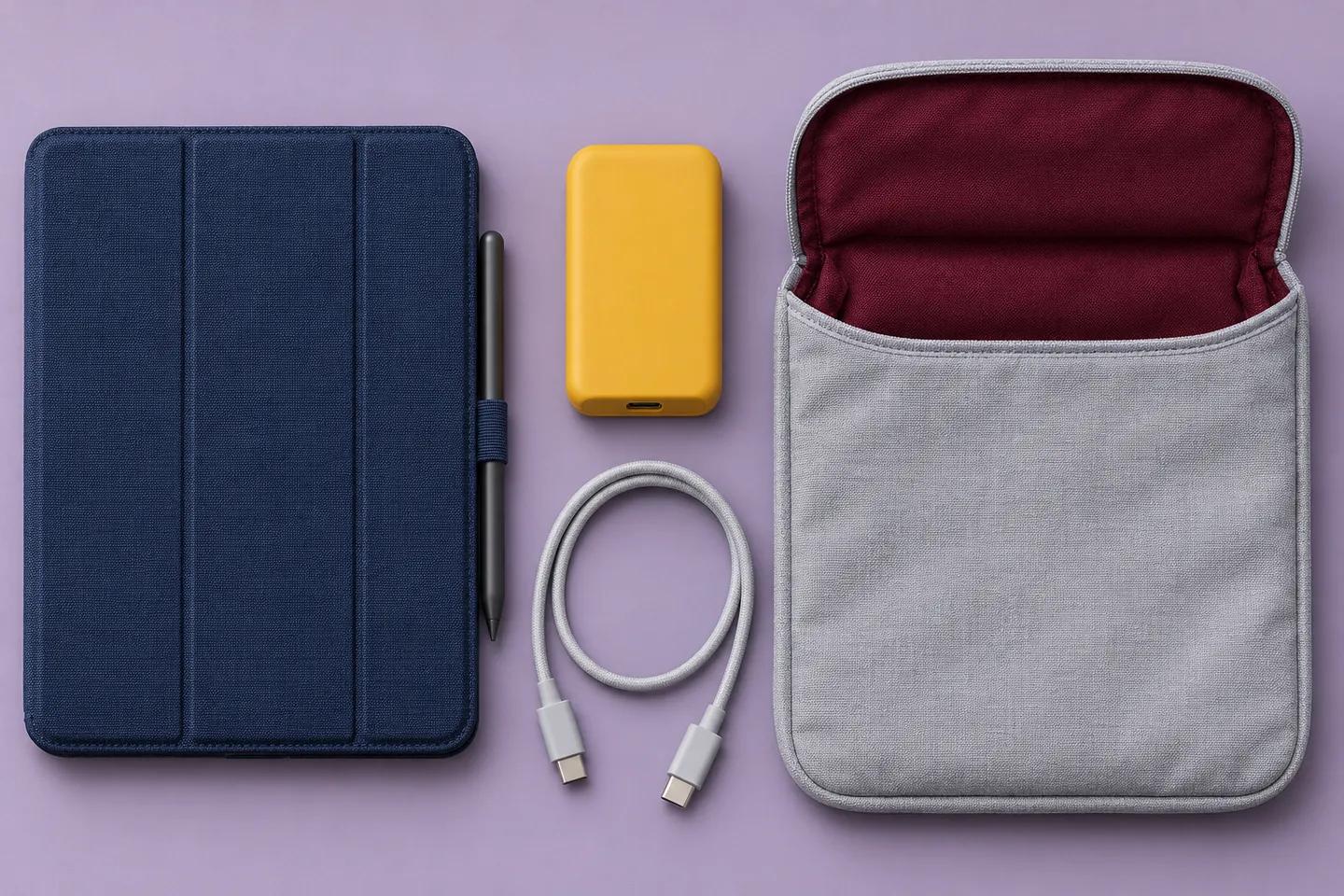
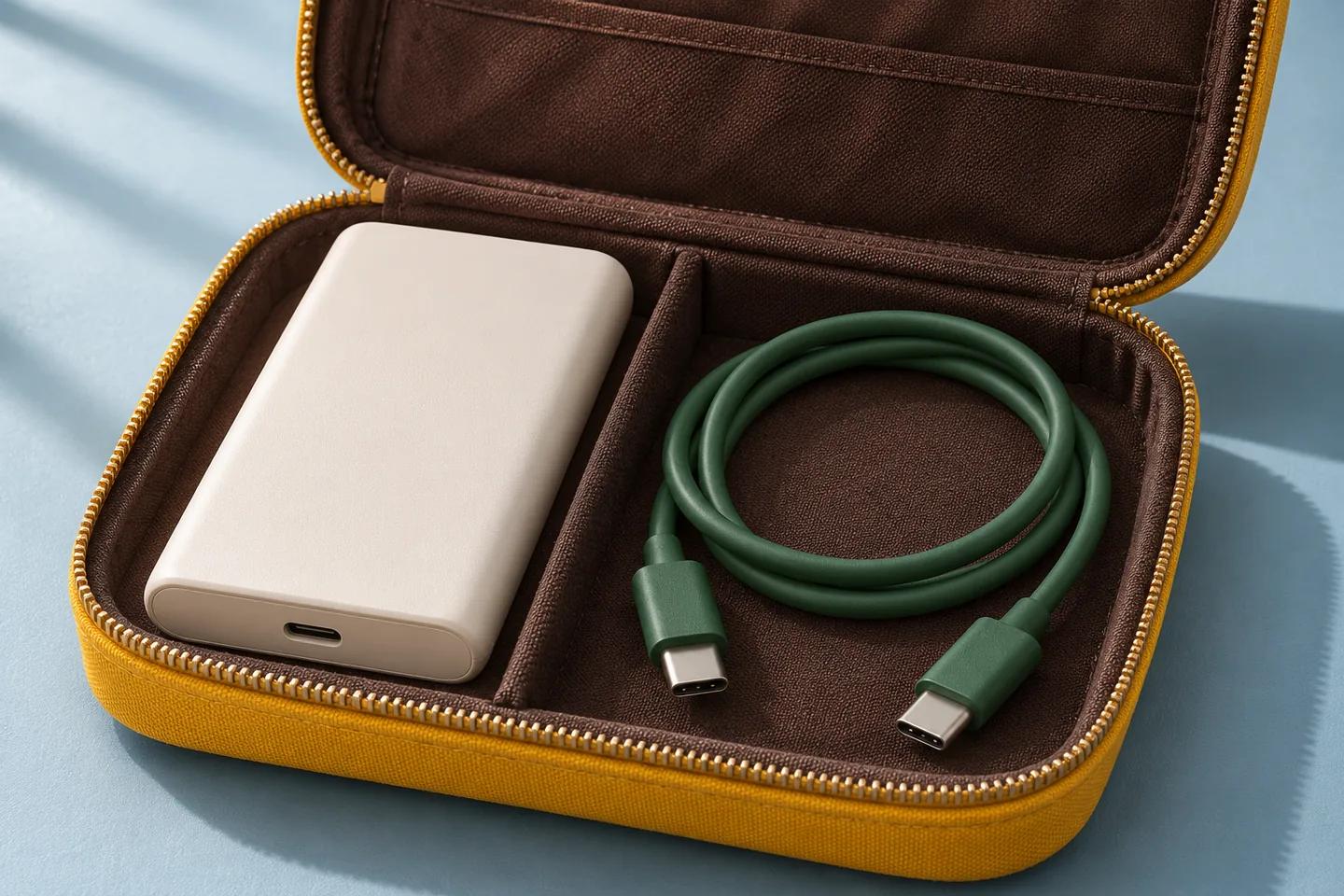
AI-generated tablet-carry concept; not a real ZONNGOO bundle or evidence of runtime, capacity or compatibility.
10. Approve A Defined Tablet Configuration
You should approve the exact tablet, bank, cable and accessories before presenting a branded kit as suitable for that use. Record model identifiers and relevant revisions. Include the case, stand or keyboard when it affects the connection. Agree on the operating scenario and acceptance criteria before checking samples.
Separate ordinary resting charge from the intended active session. Record the relevant settings and observations for each. If shared output or a hub is required, include those conditions explicitly. A successful phone demonstration cannot substitute for the tablet arrangement. Nor does one approved tablet establish compatibility with every generation or operating setup.
Our sample confirmation page describes the wider review stage. These are proposed purchasing steps, not claims about tests already completed by ZONNGOO. Keep the approved bill of accessories with the order. Reassess any cable, bank revision or hub substitution affecting the agreed arrangement. Update product-page wording and instructions to match the supported configuration rather than expanding the claim after approval.
11. Send A Tablet-Focused Inquiry
You should send the tablet model and working scenario with your inquiry instead of requesting only a capacity and price. Include the input requirements you have verified, preferred connection, session goal and carried-size preference. Add any phone sharing, keyboard, hub or bank-recharge requirement. Distinguish essential conditions from optional features.
ZONNGOO’s product range and OEM/ODM page provide starting points for discussing currently available configurations. They do not prove tablet compatibility or availability of every proposed option. An all-solid-state, semi-solid-state or lithium-polymer family name does not establish a tablet charging protocol. Confirm the actual product and its relevant documentation.
For a branded kit, include destination market, quantity, cable specification and packaging needs. Ask which exact configuration the quotation covers and what remains unverified. Then contact ZONNGOO with that single brief. Request the applicable specification and a proposed sample review. This gives you a concrete next decision without invented charge counts, universal compatibility promises or unsupported factory-performance claims.
FAQ
Can Any USB-C Power Bank Charge My Tablet?
Not automatically. Match the tablet input, bank output and cable using the exact device instructions. A socket match alone does not establish the supported charging mode or practical session performance.
Will A Higher-Wattage Bank Always Charge Faster?
No. The tablet must accept a compatible mode, and operating conditions still matter. A larger maximum rating does not guarantee delivered power or a fixed recharge time.
How Many Full Tablet Charges Will I Get?
Do not calculate that by dividing unmatched mAh labels. Request comparable energy information and applicable conditions. Tablet use and the complete charging path affect the result. Avoid unsupported universal charge counts.
Can I Keep Drawing While The Bank Is Connected?
Follow the tablet and bank instructions for supported use. Evaluate your actual workload, case and cable layout. Active use differs from resting recharge; a charging icon does not guarantee a rising percentage.
Can I Charge My Phone And Tablet Together?
Only where the bank supports the required simultaneous arrangement. Verify both devices and the exact port combination. Individual maximums do not establish a guaranteed shared output.
Does A Magnetic Power Bank Mean Wireless Tablet Charging?
No. Magnetic attachment alone does not establish wireless reception or certified compatibility. Check the tablet’s documented charging methods. Use a verified wired arrangement when that is the supported requirement.
Conclusion
Choose a power bank for your tablet’s complete working setup. Match input, output and cable, then compare energy and carrying needs. Verify accessories and shared modes separately. Approve one identified configuration before making customer-facing claims, and keep future substitutions subject to the relevant checks.