Quick Answer
Choose a power-bank USB-C cable by checking connectors, charging capability, practical length and the exact devices. Treat data speed as a separate specification. A higher cable wattage does not increase the bank’s output or the phone’s accepted power. For a retail bundle, approve the identified cable alongside the actual bank, device and packaging instructions.
Introduction
Your power-bank USB-C cable is part of the product experience, even when it looks like a small accessory. A matching plug alone does not settle compatibility. This guide helps you select a detachable cable and describe it accurately before buying replacements or approving a branded bundle.
1. Start With The Connection You Actually Need
You should specify the connector at each end before comparing cable ratings. Identify the bank port and the receiving device port. A USB-C to USB-C cable has a different connection arrangement from a USB-A to USB-C cable. Neither description tells you the complete charging behavior by itself.
Write down whether you are charging a phone from the bank or recharging the bank from an adapter. Those are separate use cases. One cable may serve both, but confirm that arrangement against the actual equipment instructions. Do not assume every visible port supports both directions.
For a purchasing brief, name the target devices instead of promising universal compatibility. Include the case or enclosure that surrounds the device connector. A suitable electrical arrangement still needs a plug housing that seats normally. Avoid adapters added merely to make an unsuitable connector appear compatible. Our built-in cable guide covers attached-cable products; this article concerns a separately replaceable cable.
2. Match Charging Capability Across The Whole Setup
You should match the cable to the bank’s supported output and the device’s accepted charging arrangement. The cable does not create a charging mode that either product lacks. Read the specification for the particular connector you will use. A product’s largest headline wattage may belong to another port or condition.
Compare the documented voltage, current and supported charging method across the equipment. When the intended mode requires a particular cable capability, ask for evidence for that exact cable. Do not infer it from a thick jacket, metallic shell or braided finish. Appearance is a design choice, not a complete electrical specification.
Distinguish sufficient capability from promised delivery. A suitable cable can support the intended arrangement without guaranteeing a fixed charging time. Device state, operating mode and other connected loads still matter. Our power selection guide explains bank-output choices. Keep that decision separate from the cable rating so your product description does not confuse the two.
3. Read Power Markings In Their Proper Context
You should treat a cable power marking as a capability statement, not a promise about your complete charging setup. USB-IF’s cable compliance guidance describes 60W or 240W markings for USB-C to USB-C cables entering its compliance program. That program requirement does not describe every cable already circulating in the market.
Check the exact supplier record behind any marking. A printed number alone is not evidence of independent certification. Where electronic cable identification is relevant, request the corresponding specification or documentation. Do not assume that an advertised electronic marker proves every desired charging or data function.
An older or differently described cable needs its own evidence; this article cannot classify it from a photograph. Ask the supplier to reconcile packaging, cable markings and the supplied item. Keep the explanation practical for the customer. State the supported use, while avoiding a claim that every connected device receives the number printed on the cable.
4. Separate Charging Power From Data Speed
You should specify data speed independently when the cable will also move files or serve another data task. A cable selected for charging is not automatically a high-speed data accessory. Conversely, a data specification does not replace the required charging specification.
Apple provides a useful concrete example. Its 60W USB-C charge cable lists charging up to 60W and USB 2 data rates. Its 240W USB-C charge cable also lists USB 2 data rates. These are specifications for those products, not evidence about an unverified cable in your bundle.
If you only need charging, decide whether additional data performance has any value for your customers. If you advertise file transfer, list and verify that requirement separately. Do not add video, docking or display support because the plug shape looks familiar. Record each promised function in the brief, then confirm it through the relevant product documentation and agreed sample checks.
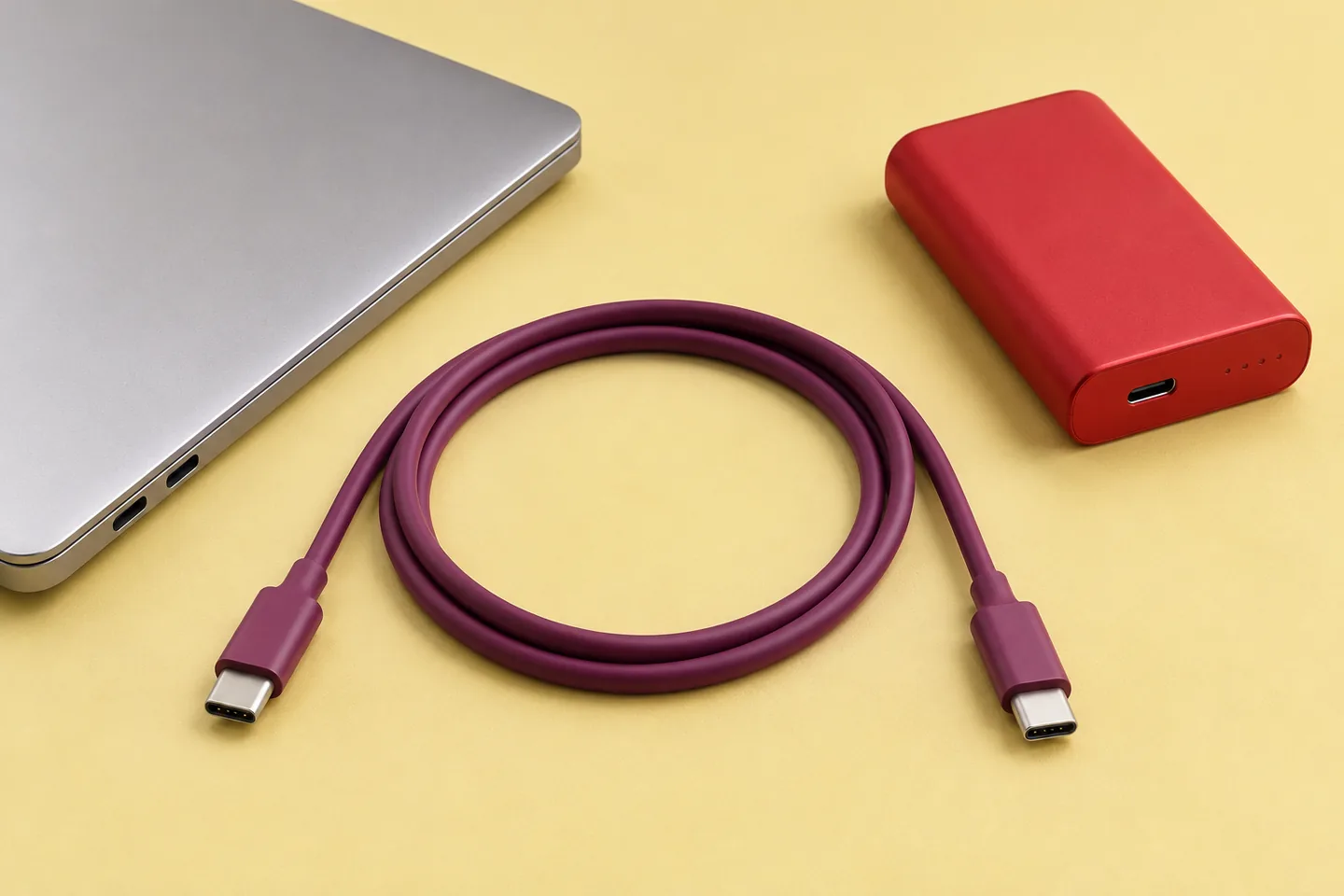
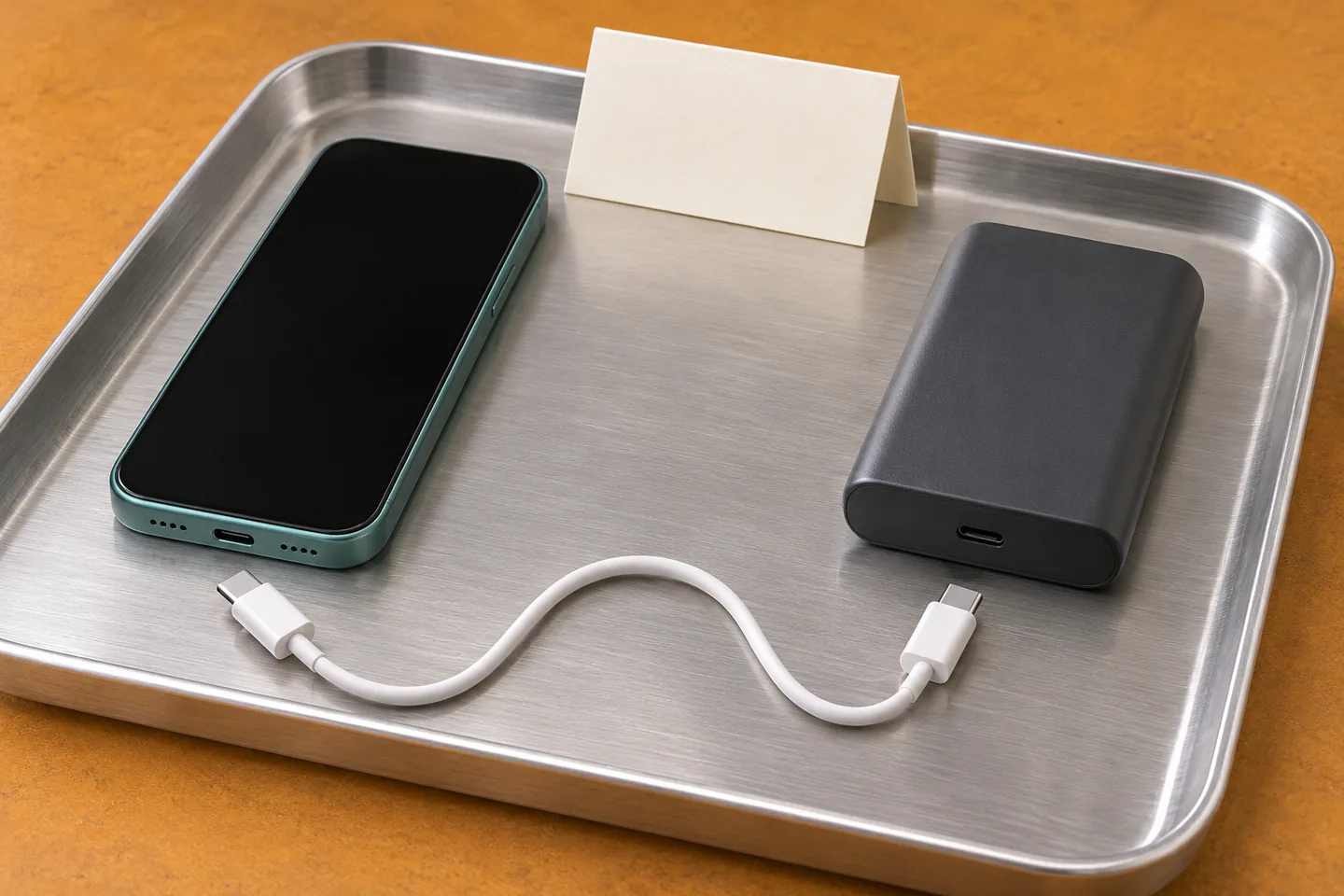
AI-generated cable-function concept; not a measured power, data-speed or compatibility demonstration.
5. Turn Your Use Case Into A Cable Brief
You should convert the intended use into a small list of requirements before selecting a cable. Start with what customers actually connect. Add the charging arrangement, practical reach and any separate data requirement. This prevents a visually attractive accessory from becoming an unclear product promise.
| Intended Use | Specify Before Selection | Avoid Assuming |
|---|---|---|
| Phone charging from the bank | Device, output, both connectors and required mode | Every USB-C cable gives identical charging |
| Recharging the bank | Adapter, input specification and cable capability | Output and input requirements are interchangeable |
| Laptop charging | Accepted laptop input and complete supported setup | A high cable number creates laptop compatibility |
| Charging plus file transfer | Power capability and separate data requirement | Charging wattage establishes transfer speed |
| Carrying a compact daily kit | Route, connector clearance and storage arrangement | The shortest cable always fits the task |
| Branded retail bundle | Exact cable identity, instructions and change control | A similar-looking substitute is automatically equivalent |
Use the table as a brief, not a certification checklist. A laptop configuration especially needs device-specific confirmation. Our laptop compatibility guide explains that wider decision. Keep optional functions outside the customer claim until evidence supports them.
6. Choose Length And Connector Fit Together
You should choose cable length by checking the actual route and connector clearance in the intended setting. Consider a phone beside a bank, a laptop on a desk or a bank inside an organizer. Allow normal placement without pulling the plugs sideways or forcing the cable into a sharp bend.
Do not select length from a photograph alone. Include the usable arrangement in the sample review. Check whether the plug housing clears the phone case and whether the cable stores comfortably with the product. A right-angle housing may help one layout while obstructing another connector or accessory. Treat it as a specific mechanical choice.
Avoid universal claims that a certain length guarantees faster charging. Construction and the complete operating arrangement matter. Ask for performance evidence applicable to the actual cable rather than deriving a guarantee from length alone. For a bundled product, record the approved length and housing design. Customers should receive the configuration described in the instructions, not an unspecified accessory chosen only by color.
7. Evaluate The Finished Cable Beyond Its Jacket
You should review the finished cable and its supporting specification rather than judging only the outer material. Braiding, color and a metal housing can affect appearance and handling. They do not independently establish electrical capability, durability or certification.
During sample handling, check normal connector seating, storage and removal by the connector housing. Look for obvious damage or poor assembly without opening the cable. Stop using damaged accessories and follow the relevant manufacturer guidance. Do not create improvised stress, heat or electrical tests to prove a supplier’s claim.
If durability is part of the sales message, define the claimed condition and request suitable evidence. “Premium” does not describe a test method. Nor does a photograph establish a bending lifetime. Agree on what records you need and which configuration they cover. Keep these proposed approval steps distinct from actual ZONNGOO test results. This guide does not claim that any pictured concept passed inspection or a performance test.
8. Check Certification Claims For The Exact Item
You should verify a certification claim against the identified cable and the applicable program scope. USB-IF explains that a certified cable does not certify connected products or expand their capabilities. Therefore, do not describe the whole power-bank bundle as certified merely because one cable carries a claim.
Request the relevant supplier identity, cable identifier and supporting record before approving certification wording. Check that the cable shipped matches the documented configuration. Ask how a material, connector or supplier change affects the evidence. Do not copy a competitor’s logo layout or place a certification mark on an unverified item.
Keep separate claims separate. Cable evidence does not establish the power bank’s battery chemistry, wireless certification or destination-market documentation. A magnetic charging feature also says nothing about the detachable cable’s certified scope. When a record is unavailable, remove the unsupported claim and ask for clarification. Approving an attractive package should not silently approve statements that nobody has substantiated.
9. Approve The Cable As Part Of The Bundle
You should approve the actual supplied cable with the bank, intended device and customer instructions before a bulk order. Keep a sample identifier and the relevant revision information. Record which port, device, case and operating arrangement were evaluated. Separate bank recharging from device charging in the notes.
Agree on the required observations and acceptance criteria with the supplier. These could include ordinary connection, intended charging behavior, physical clearance and any advertised data task. Define the method and conditions before interpreting a result. An illuminated icon alone does not establish every claimed performance characteristic. Do not substitute an informal demonstration for relevant documentation.
Our sample confirmation page provides the wider project context. These are purchasing recommendations, not a report of tests already performed by ZONNGOO. Preserve the approved cable description with the order. If a later batch proposes a substitute, compare evidence and intended use again. A similar color and connector shell do not establish equivalence.
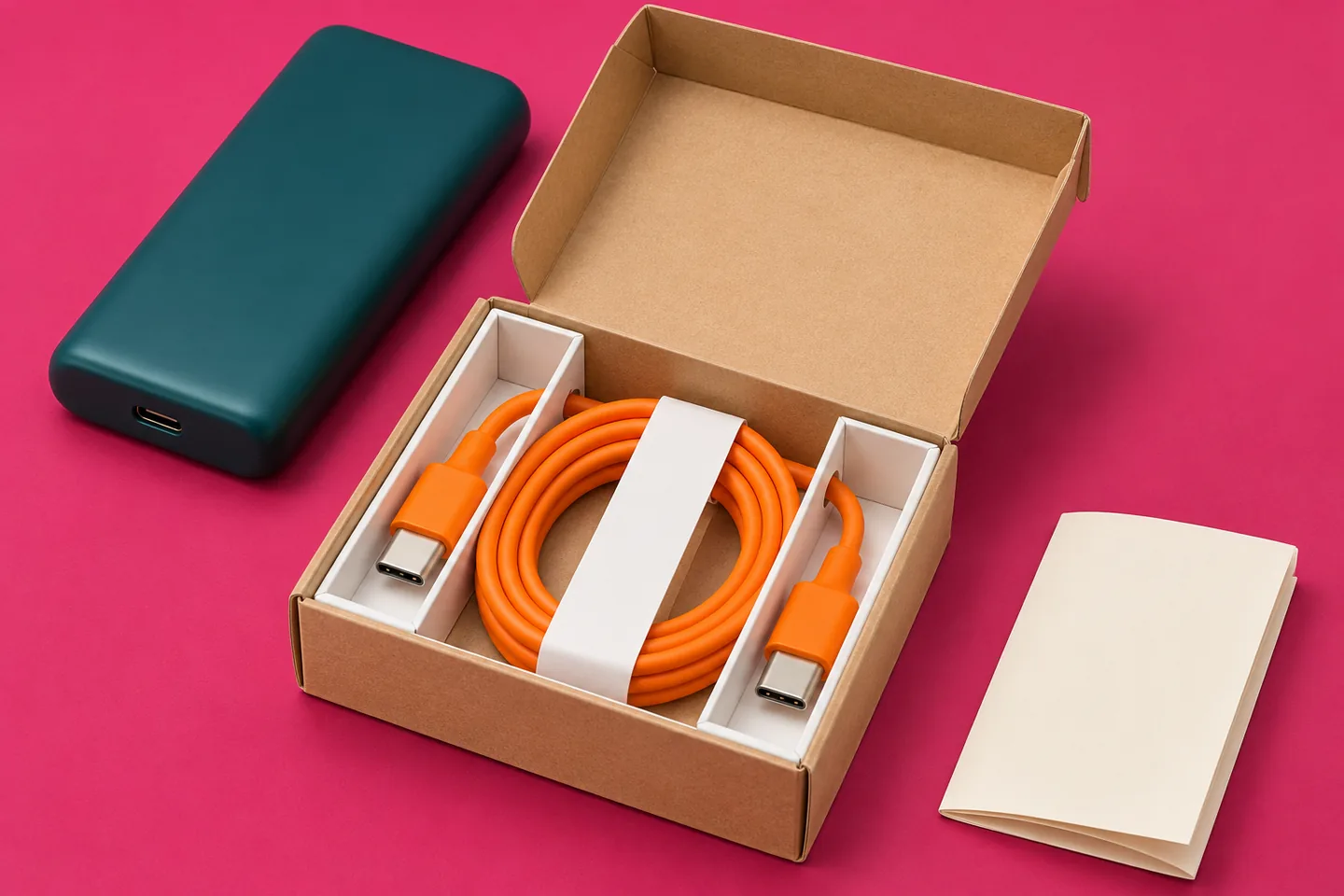
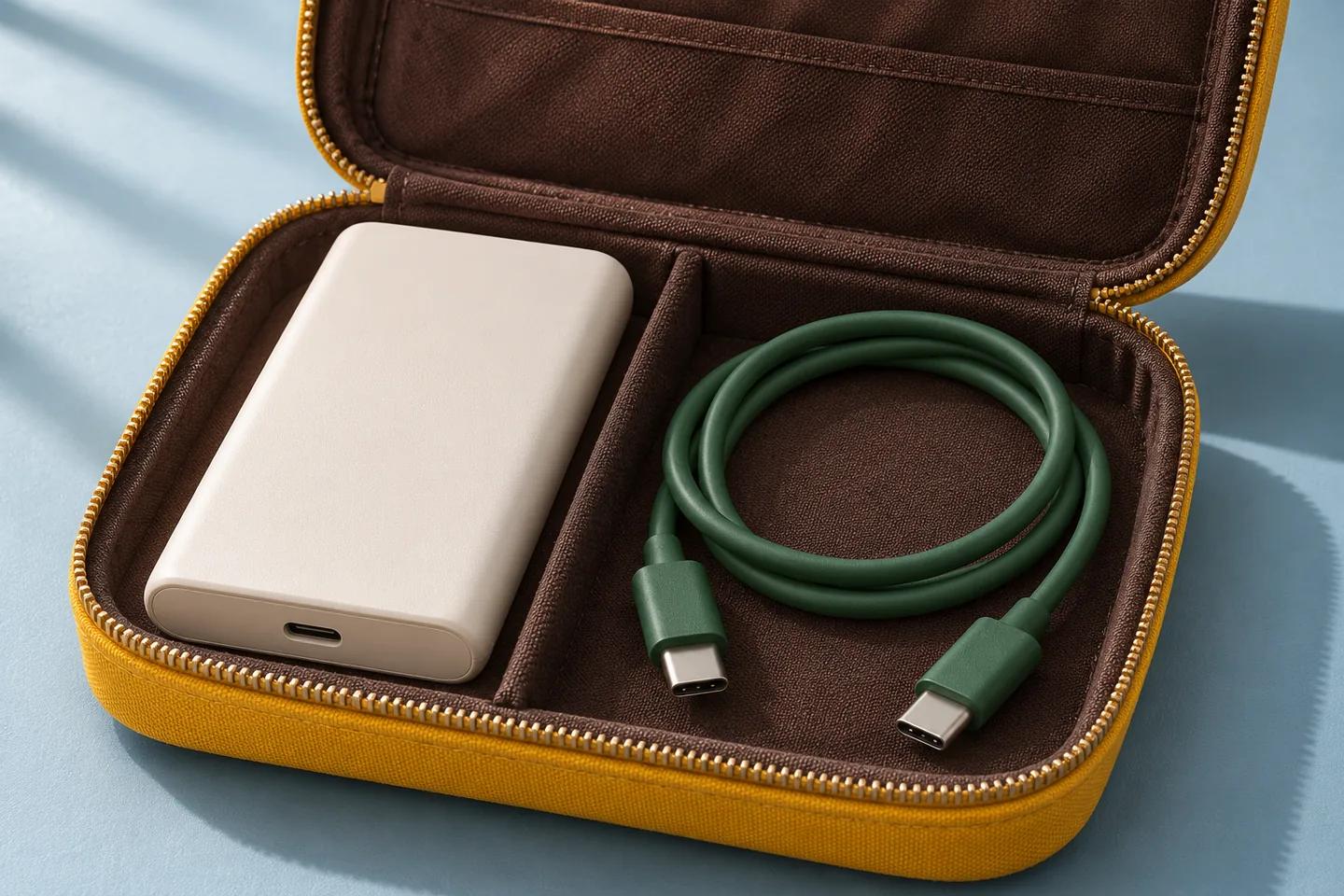
AI-generated bundle-planning concept; not an actual ZONNGOO package, certification record or inspection result.
10. Keep Packaging And Replacement Guidance Consistent
You should describe the included cable clearly enough that customers can identify its intended use and choose a suitable replacement. State the connector arrangement and verified relevant capability. Distinguish an included accessory from equipment the customer must supply separately. Avoid implying that every cable in the household provides the same functions.
Keep the box, manual, product page and supplier record aligned. If the package promises a data function, confirm the supplied cable supports that exact claim. If the bundle is intended only for charging, do not add broad docking or video language. Check translations for the same distinction rather than shortening them into “universal USB-C.”
Review how the cable sits inside the package and how the customer removes it. Keep connector tips protected through the agreed packaging design without forcing tight routing. Our packaging design page covers the broader discussion. Send the approved accessory specification with artwork requests, so a visual revision does not accidentally change a technical promise.
11. Send A Complete Cable Requirement With Your Inquiry
You should send the device list, bank configuration and cable requirements together when discussing a private-label bundle. Include connector types, intended charging direction, required mode, length preference and any data task. Add the target market, quantity and packaging concept. Identify requirements that are essential and those that are preferences.
Ask for the current supplied configuration and the evidence relevant to its claims. ZONNGOO’s product range and OEM/ODM page provide starting points for the discussion. They do not establish that every cable option or charging arrangement is available. Confirm the actual model and accessory proposal before approving artwork or an order.
For an existing charging problem, use the external troubleshooting checklist before treating a replacement cable as a complete diagnosis. For a new project, contact ZONNGOO with one clear configuration brief. Request confirmation of the cable included in the quotation and which changes require renewed sample approval. That creates a reviewable decision rather than an ambiguous accessory promise.
FAQ
Does A 240W Cable Make My Power Bank More Powerful?
No. The cable does not increase the bank’s supported output or the device’s accepted charging mode. Confirm the entire arrangement. A capability limit is not a promise of delivered power.
Can A Charging Cable Also Transfer Files?
Check its separate data specification. Apple’s cited 60W and 240W charge cables both specify USB 2 data rates. Do not infer high-speed transfer, video or docking support from charging wattage.
Is A Braided Cable Automatically Better?
No. Braiding describes an outer construction feature. Review the finished cable’s specified functions, handling and supporting evidence. Avoid turning appearance into an unsupported durability or performance claim.
Can I Use The Same Cable To Recharge The Bank?
Possibly, when both connection arrangements and the equipment specifications support it. Confirm the adapter, bank input and cable together. Do not assume that a successful phone connection establishes input compatibility.
Must Every Bundle Include The Highest-Rated Cable?
No. Select the capability required by the intended supported arrangement. Additional advertised capability may not improve that use. Explain optional functions and verify any claim before adding it to packaging.
What Should I Approve Before Ordering A Branded Bundle?
Approve the exact cable identity, connectors, relevant capability, length, fit, instructions and supporting claims. Keep its revision with the bank configuration. Reassess proposed substitutions rather than accepting visual similarity.
Conclusion
Choose a cable for the complete connection, not its largest printed number. Verify charging and data requirements separately. Review length, fit, evidence and customer instructions with the actual bundle. Send one identified configuration for approval, and keep later substitutions subject to the same relevant checks.