Quick Answer
Choose a wall charger for your power bank by matching its input port, supported charging method and voltage/current options. Check the selected adapter port, cable and any shared-output limits. A larger wattage label does not increase the bank’s documented input limit. For a branded kit, approve the exact adapter, bank and cable together before publishing a recharge claim.
Introduction
The right wall charger for a power bank starts with the bank’s input specification, not its phone-charging headline. This guide helps you read adapter outputs, compare charging arrangements and prepare a verified bundle. It does not promise a refill time from wattage alone.
1. Read The Power Bank’s Input First
You should identify the input port and its documented limits before comparing adapters. Input describes energy entering the bank. Output describes power supplied to another device. A prominent phone-charging figure may therefore be the wrong number for selecting a refill charger.
Locate the input information in the actual model’s specification or operating instructions. Record the port name, voltage/current options and stated charging method. If the supplier only gives an output figure, request the missing input information. Do not silently convert an output claim into an input capability.
Keep the battery series and product revision attached to that record. Similar housings or model names do not establish identical electronics or input behavior. ZONNGOO’s semi-solid-state 10MC6 page illustrates the distinction: up to 18W USB-C input and up to 20W USB-C output. Confirm the supplied revision and conditions. Those separate figures do not establish a particular charger protocol or guaranteed refill duration by themselves.
2. Compare Voltage And Current Options, Not Just Total Watts
You should compare the bank’s accepted input options with the selected charger port’s documented outputs. A matching connector and a large headline number are not enough. Keep voltage and current paired as they appear in the specification. Do not combine a voltage from one mode with current from another.
Electrical power at a stated operating point equals voltage multiplied by current. For example, 9V multiplied by 2A equals 18W. This calculation describes that operating point, not a continuous battery-charging rate. The actual arrangement still needs supported signaling, a suitable cable and the bank’s charging controls.
The semi-solid-state 10MC6 listing includes 5V/3A, 9V/2A and 12V/1.5A input options. Treat those as specification entries requiring confirmation for the actual supplied unit. Do not assume every adapter with an 18W headline offers every listed option. Ask the supplier to identify a suitable documented adapter configuration rather than choosing from the wattage badge alone.
3. Confirm The Charging Method And Negotiation
You should confirm which charging method the bank and adapter actually support. USB-C describes the connector family, not every charging capability. When USB Power Delivery is used, compatible source and receiving-device behavior matter alongside the printed ratings. Do not infer a protocol solely from a voltage list.
Texas Instruments’ USB PD explanation describes negotiation between the power source and receiving device. That engineering explanation supports checking a shared supported arrangement. It does not certify a particular adapter-bank pair. Ask for the actual model documentation instead of borrowing a chip-level example as product evidence.
Likewise, treat PPS as a specific feature to verify, not a synonym for any fast charger. USB-IF’s charger announcement explains that taking full advantage of PPS requires supporting equipment. A PPS-capable adapter does not add PPS to the bank. If a supplier proposes another supported method, request clear identification and evidence for that arrangement.
4. Understand What A Higher-Wattage Charger Can Change
You should treat the bank’s input limit as a limit, not a target that any larger charger overrides. A compatible higher-rated source may provide a supported lower-power arrangement. It does not force its maximum advertised wattage into the bank. Verify the shared supported mode rather than assuming either incompatibility or faster charging.
For example, a 65W charger does not turn an 18W-input bank into a 65W-input product. Nor does that bank specification prove compatibility with every 65W adapter. The actual port, output options, charging method and cable still require review. Keep the distinction between available source capability and accepted device input clear.
Choose extra charger capability for a defined reason, such as another device you also need to support. Check that device separately. Do not promise shorter bank refill times merely because the adapter label is larger. Our power-bank recharge-time guide explains why charging behavior and conditions matter beyond a single peak figure.
5. Compare Adapter Arrangements With A Decision Table
You should compare the exact charging arrangement rather than ranking adapters by size or appearance. The table identifies what must be resolved before you buy or approve a bundle. It provides review questions, not universal compatibility results. Request the documentation for each proposed model and port.
| Proposed Arrangement | What To Compare | What Not To Assume |
|---|---|---|
| Single USB-C charger port | Bank input, source modes and charging method | USB-C shape guarantees fast charging |
| Higher-wattage adapter | Shared supported mode and bank input limit | Headline wattage becomes bank input |
| Multiport charger, bank alone | Selected port’s standalone rating | Every socket has the same output |
| Multiport charger with other devices | Documented allocation for that combination | Printed total remains available to one port |
| Existing USB-A adapter | Bank-supported connection and cable | A new cable adds unsupported negotiation |
| Branded adapter-bank kit | Exact components, market and evidence | Certification of one item covers the entire kit |
Record the arrangement you actually intend to use. If it changes, revisit the affected decision. A desktop adapter shared with a laptop is a different scenario from a dedicated single-port refill charger. Approve the chosen scenario instead of making an unlimited claim about every available connection.
6. Check Multiport Sharing Before Adding Other Devices
You should check the adapter’s documented output allocation for the exact ports used together. A total power figure does not tell you what remains for the bank. Identify each connected device and the chosen sockets. Ask how the proposed combination differs from using the bank alone.
If the adapter documentation describes power redistribution or interruption when devices connect, account for that behavior. If it does not, ask rather than inventing a rule. Do not assume all multiport chargers behave identically. A brief change in a bank’s indicator is not enough to diagnose the cause or establish normal behavior.
Separate adapter sharing from the bank charging another device while refilling. Those are different arrangements with different requirements. Our pass-through charging guide covers the second question. Do not add pass-through or uninterrupted-backup claims to an adapter bundle without explicit support. Review any additional mode separately before including it in the kit description.

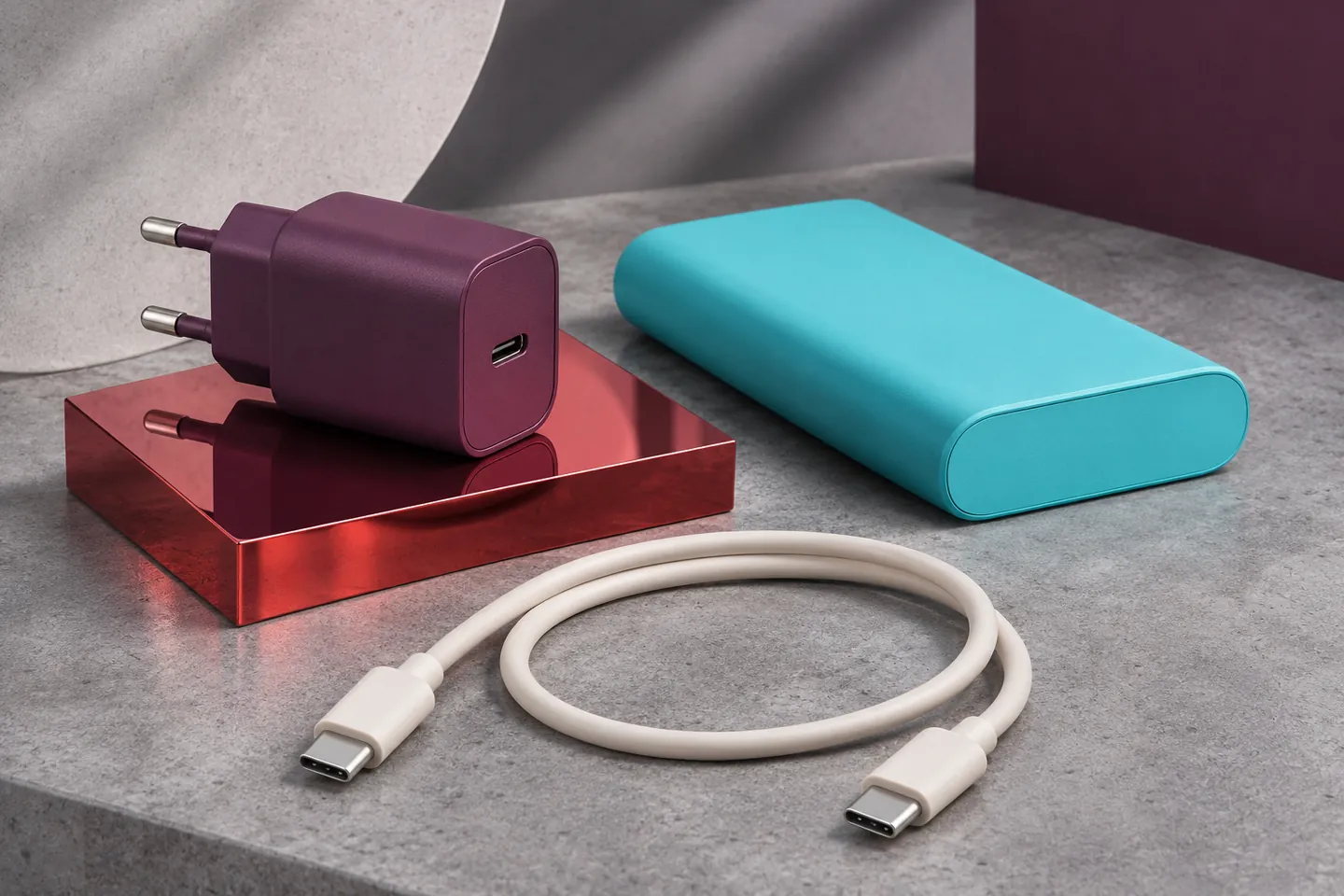
AI-generated adapter-comparison concept; not actual model labels, output measurements or a compatibility test.
7. Specify The Cable As Part Of The Input Path
You should specify the cable between adapter and bank, including its connectors and required charging capability. The cable is part of the arrangement, not an incidental color choice. A cable substitution can change what you need to verify. Do not assume a photographed cable is included with either product.
Use the actual adapter output and bank input to define the needed cable. Our USB-C cable selection guide explains how to separate connectors, power capability and data requirements. Avoid choosing an unnecessary data feature as proof of faster bank charging. Conversely, do not infer every power capability from an impressive data-speed claim.
Check normal connector seating and a practical cable route for the intended desk or carrying kit. Do not force connectors or use an unsupported adapter to bypass a mismatch. Keep the agreed cable identity with the sample record. If you change length, construction or connector arrangement, ask which compatibility and performance observations need review again.
8. Verify Mains Input And Market Suitability
You should verify the adapter’s stated AC input and plug for the destination market with the responsible supplier. A suitable USB output does not establish a suitable wall connection. Check the exact supplied version rather than a similar-looking international photo. Do not treat an interchangeable plug accessory as proof of every regional requirement.
Ask which documents apply to that adapter and destination. Keep the adapter identity distinct from the power bank’s records. This guide does not approve mains products for a market or replace qualified compliance review. Do not modify a plug, open an adapter or improvise electrical testing to resolve missing information.
Also distinguish an external adapter from a power bank with a built-in AC plug. They are different product arrangements. Our AC-plug power-bank guide explains that separate selection question. Do not copy a wall-mode performance claim from a hybrid product into an ordinary external-adapter bundle.
9. Review Evidence And Certification Wording
You should request evidence matching the actual adapter, bank and cable instead of treating the kit as automatically certified. Connector appearance and marketing descriptions are not certificates. Keep model numbers and relevant versions visible in the review. A component or accessory record should not become a broader product claim without support.
USB-IF’s logo-license guidance describes qualification and authorization for certified USB logos. A USB-C port alone does not provide that entitlement. Ask for the applicable evidence before printing certification marks on a bundle. This article asserts no USB-IF certification for ZONNGOO’s example bank or an unspecified adapter.
Review the product page, label, leaflet and outer package together. Remove unsupported claims consistently rather than correcting only one surface. Our test-report reading guide explains why identity, method and scope matter. A report on cells does not establish the compatibility or mains compliance of an adapter-bank kit.
10. Approve The Complete Refill Setup
You should approve the exact bank, adapter port and cable together using an agreed sample-review plan. Record model identities, connection, conditions and observations. If recharge time matters, agree how it will be measured before comparing results. Do not present a casual indicator check as a controlled full-refill test.
For ordinary use, follow the manufacturers’ instructions and stated conditions. Do not cover the equipment or improvise heating and stress procedures. Stop using damaged equipment and consult the responsible supplier. If an intended mode is unclear, resolve that before making it part of the approval. These are proposed purchasing steps, not a report of tests already performed.
Our sample confirmation page provides the project context. Keep the approved accessory list and instructions with the relevant revision. Review packing so the proposed kit contains what the buyer expects. Our packaging design page can help structure that discussion. Any change should be assessed against the observations or claims it affects.
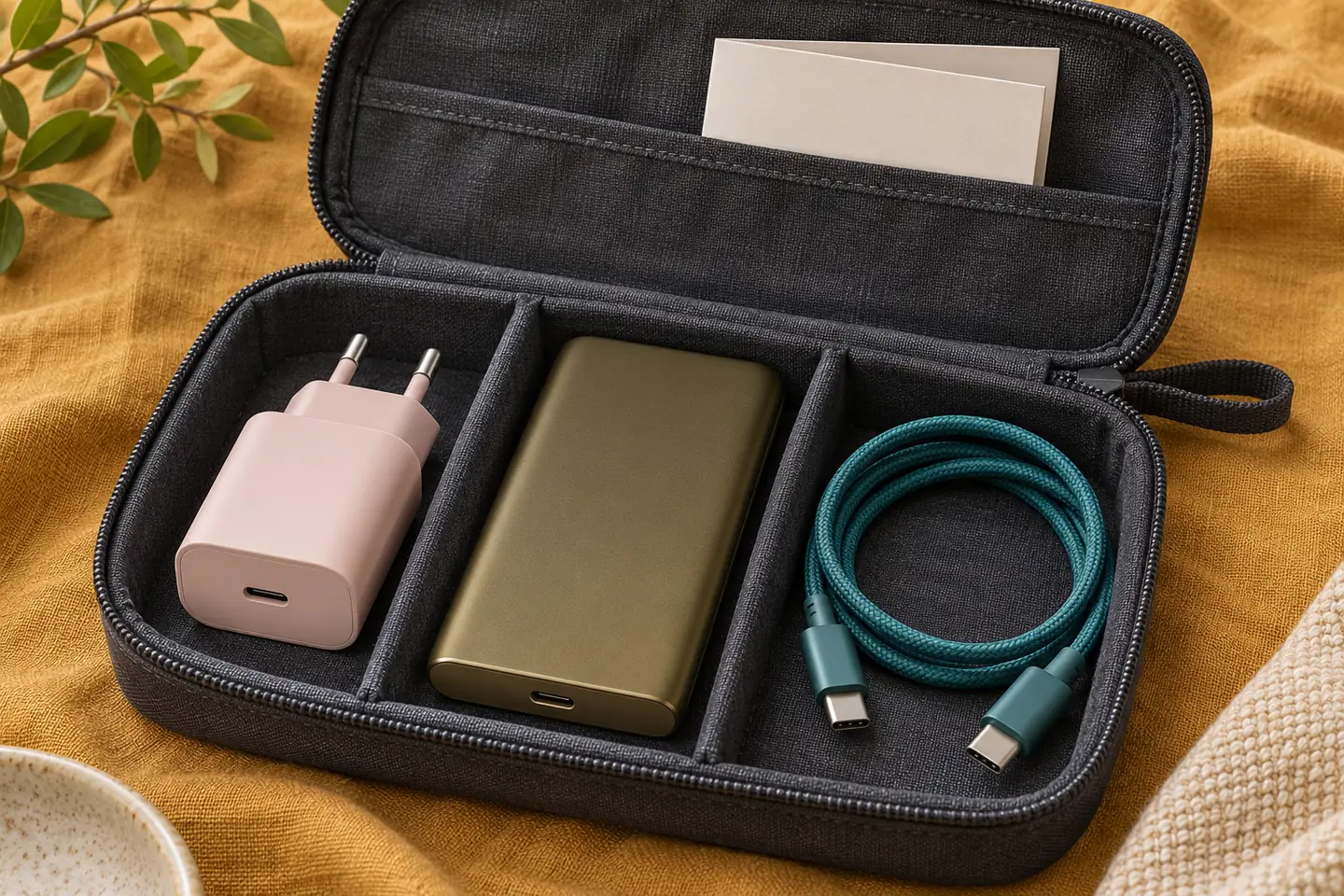
AI-generated refill-kit concept; not a real ZONNGOO package, approved sample or certification record.
11. Send An Input-Focused Buying Brief
You should send the exact bank model, battery series, input specification and intended charging arrangement with your inquiry. Add destination market, quantity, cable requirements and whether the charger will serve other devices. Specify which components are supplied together. Separate essential requirements from preferences about appearance or portability.
ZONNGOO’s product range and OEM/ODM page are starting points for discussing the available configuration. They do not establish availability of every adapter, plug or charger bundle. Ask for the proposed component identities, supporting documents and sample-review scope. Confirm the actual offer rather than assuming the power bank listing includes a wall charger.
Then contact ZONNGOO with one brief and the decision you need to make. Request clarification of the shared supported input arrangement before approving artwork. Keep charging claims attached to their conditions and evidence. That creates a practical buying decision without promising universal compatibility, certification or a refill time that has not been demonstrated.
FAQ
Should My Charger Match The Power Bank’s Output Wattage?
Use the bank’s input specification for refilling. Output describes charging another device. The two limits may differ, so check the actual model documentation.
Will A 65W Charger Refill An 18W-Input Bank At 65W?
No. The charger label does not override the bank’s input limit. Verify a shared supported mode, suitable cable and actual product conditions.
Does A USB-C Socket Always Mean USB PD?
No such assumption is justified from shape alone. Confirm the stated charging method and supported modes of both products. Ask about missing documentation.
Do I Need A PPS Charger?
Check whether the bank supports and benefits from PPS for the intended arrangement. A PPS adapter does not add that feature to a receiving device.
Can I Share The Charger With My Laptop?
Check the exact adapter ports and documented allocation with both devices connected. Do not assume the charger’s total remains available to the bank.
What Should A Private-Label Refill Kit Include?
Specify bank revision, adapter version and port, cable, instructions and packaging. Approve applicable claims and review changes before using the same artwork or sample approval.
Conclusion
Choose a wall charger from your power bank’s documented input, not its output headline. Match supported modes, port allocation and cable. Verify the destination adapter version and relevant evidence. Approve one complete setup before making bundle claims, then review changes that affect compatibility or recharge performance.